
Interactive Display Planning for European Education Projects
Education technology projects often begin with a tender, a framework requirement, or a multi-room rollout plan. The display must fit the room, the teaching method, the network environment, and the service model. Yorvix works with European education suppliers, distributors, and integrators that need to define those requirements before selecting an interactive all-in-one platform.
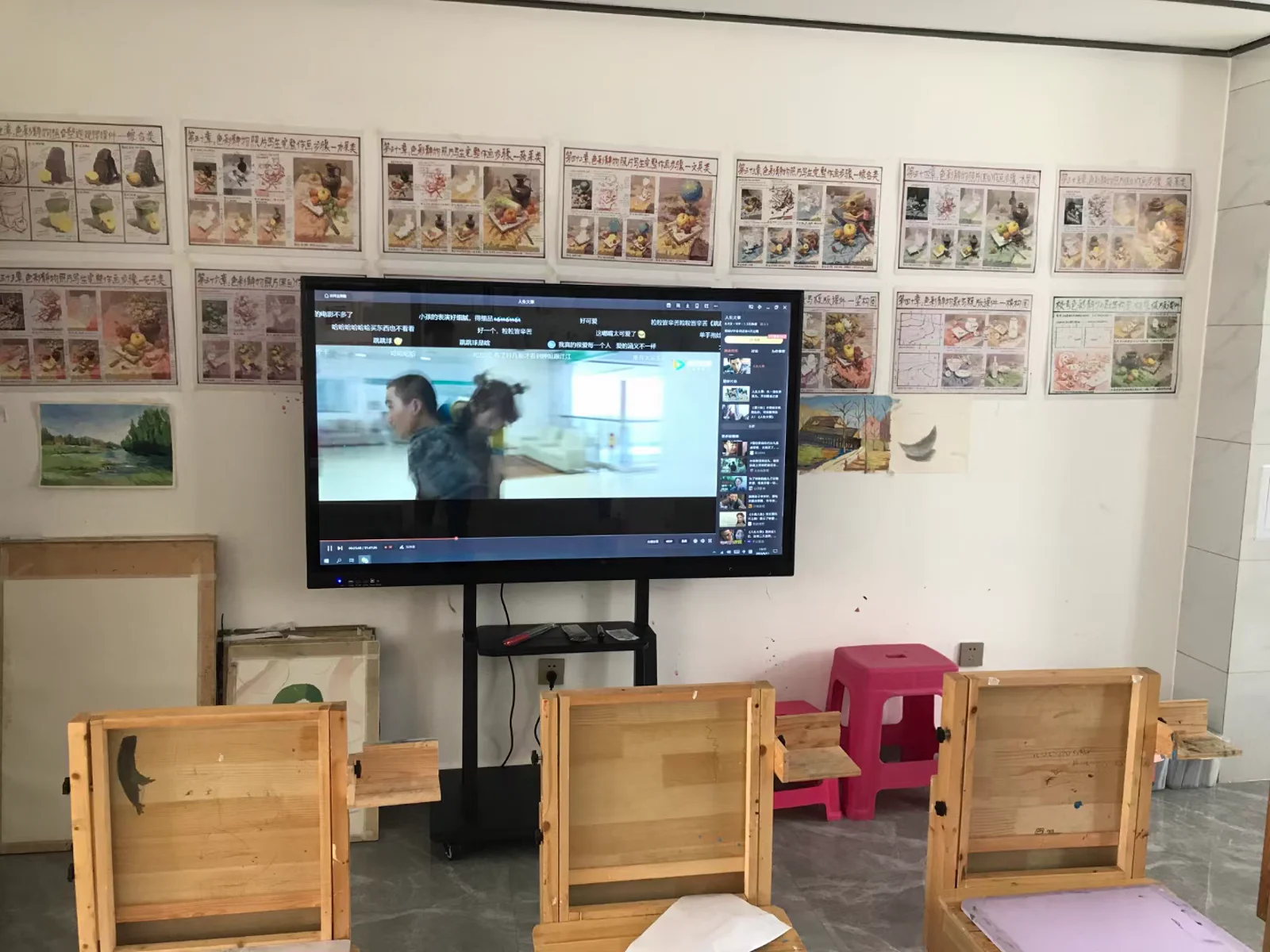
Typical education applications
- Primary and secondary classrooms
- University lecture and seminar rooms
- Vocational training and laboratory spaces
- Corporate learning and training centers
- Public education and community training rooms
What the tender should define
Display size should be based on room dimensions, seating layout, and viewing distance. Touch requirements, operating system, memory, storage, OPS computer options, wireless casting, and audio needs should be tied to the teaching workflow. If the project includes multiple rooms, the tender should also define whether each room requires the same configuration or whether larger rooms need a different platform.
The Smart Classroom solution describes a complete classroom environment, while the Conference and Education All-in-One Computer platform provides the product-level configuration path. The Education Interactive Displays for Europe page provides a shorter overview for European projects.
Rollout and service planning
- Number of rooms, campus locations, and delivery phases
- Mounting height, wall construction, power, and cable access
- Network access, wireless casting, and software deployment requirements
- User accounts, administration, and training needs
- Packaging, labeling, asset records, and destination country
- Spare units, replacement planning, and service access
Supplier information and documentation
European education projects often require a clear document set before approval. The supplier should be able to provide product dimensions, display sizes, interface information, operating-system options, mounting guidance, packing data, and the documentation required for technical review. The project team should also confirm which documents are final and which remain subject to the selected configuration.
A structured approval process helps compare quotations. Instead of evaluating only the screen price, the review should include the computer platform, touch and software requirements, installation accessories, delivery schedule, packaging, spare parts, and the responsibilities of the supplier and local integrator.
Acceptance and rollout
Before shipment, the school or integrator should confirm the display size, system configuration, touch function, software image, accessories, and packing details. A room-by-room acceptance checklist and an updated asset list make installation easier across multiple buildings and support future maintenance. Clear acceptance records also help separate configuration issues from installation or network issues after delivery.
Prepare a project brief
A useful brief includes the room plan, display size, quantity, operating system, required software, mounting method, destination country, and target timeline. Yorvix can then review the platform and configuration and confirm which details require a sample, drawing, or technical document before the project proceeds.
Final specifications, documentation, pricing, and delivery terms are confirmed in writing.