
Education Interactive Displays for Europe
Yorvix supports European education suppliers, integrators and training organizations with interactive all-in-one displays for classrooms, lecture spaces and vocational training environments.
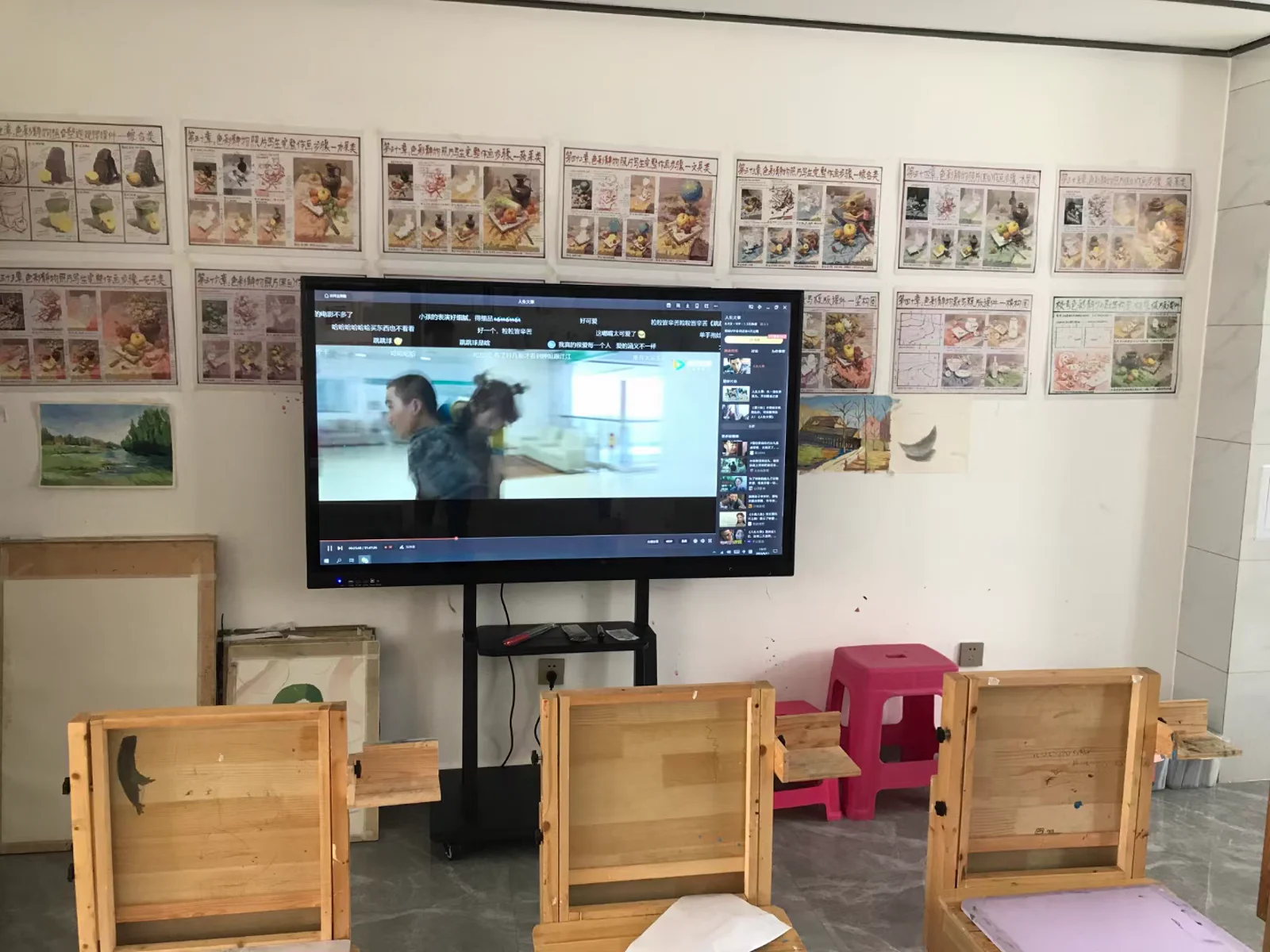
Teaching and training applications
- Whole-class teaching and courseware presentation
- Multi-user writing and annotation
- Wireless screen sharing from student devices
- Group presentation, discussion and review
- Corporate training, labs and vocational education
Education display capabilities
- Interactive all-in-one display configurations
- Android, Windows and OPS computer options
- PPT, Word, Excel, PDF, image and video presentation
- Wireless casting from phones, tablets and computers
- Wall-mounted and mobile installation options
Project planning for schools and campuses
- Classroom size, viewing distance and student capacity
- Display size, installation height and mounting method
- Operating system, teaching software and network environment
- Number of rooms, rollout stages and service access
- Destination country, documentation, packaging and timetable
Recommended solution path
Review the Smart Classroom solution or the complete interactive all-in-one platform.
Start an education display project
Send the classroom layout, display size, quantity, system requirements, destination country and target timeline.
Request a Quote | sales@yorvixpc.com
Education tender planning guide
For multi-room rollouts, tender requirements and acceptance planning, see Interactive Display Planning for European Education.
Application planning and system configuration
Plan the Education Interactive Displays for Europe solution around the people, workflow and physical environment involved. Room size, participant count, seating layout, viewing distance, lighting, network availability and installation method should be reviewed before choosing the display size, system and mounting position.
Software and connectivity are equally important. Confirm whether the project requires Android, Windows or dual-system operation, wireless casting, video conferencing, touch interaction, document annotation, centralized management or integration with existing equipment.
For a quotation, provide the room or site dimensions, application, estimated quantity, required interfaces, destination market and project schedule. The final hardware, software, installation and support scope is confirmed after the technical review.