
Application Scenario: Wireless Collaboration for a Corporate Training Center
A training-center scenario built around wireless casting, shared annotation and fast switching between presenters.

Reference case study. Final configuration is confirmed against the actual application and order.
Application: Corporate training and group workshop
The challenge
Multiple trainers and learners needed to share content quickly, keep discussions moving and avoid waiting for laptops to reconnect between sessions.
Recommended solution
An interactive all-in-one computer was configured as a wireless collaboration hub. Casting, touch annotation and multi-source switching were organized around the training agenda.
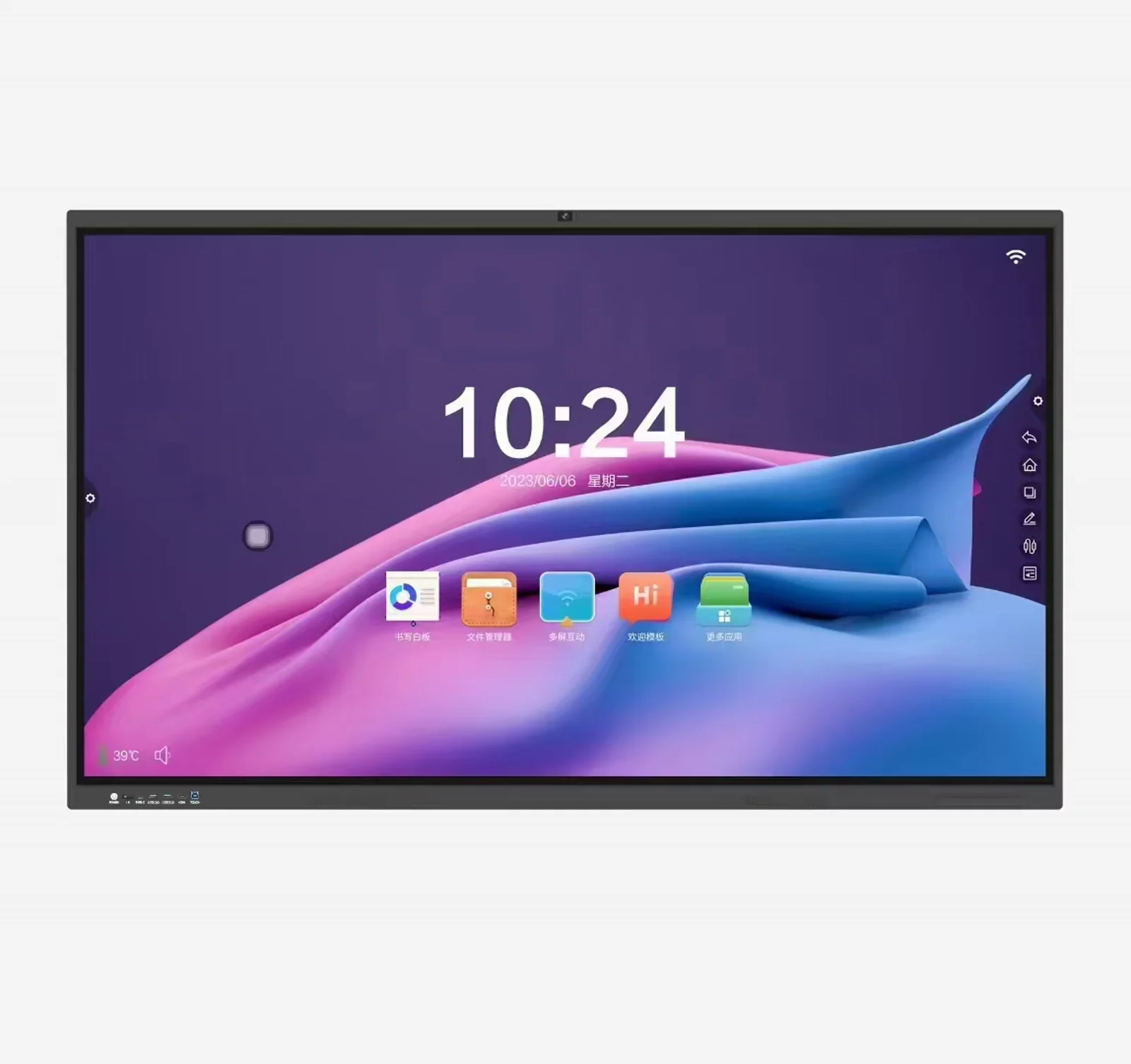
Reference configuration
- Product line: Conference/Education All-in-One Computer
- Input: wireless casting from laptops and mobile devices
- Interaction: touch annotation and whiteboard tools
- Content: presentations, documents and videos
- Deployment: wall or mobile training stand
Why this solution works
- Presenters can switch without disconnecting and reconnecting cables.
- Participants can annotate and respond directly on the shared surface.
- The display supports structured training and open workshop formats.
- The setup reduces preparation time before each session.
Best-fit applications
Corporate academies, workshop rooms, sales training and onboarding centers.
Product demonstration
View the recommended product
Open the product page and specifications
Discuss a similar project
Send the application environment, required interfaces, display or computing performance, quantity and target market. Our team will recommend a configuration for the actual project.