
Meeting Room Display Rollout Guide for Europe
A multi-room meeting display project involves more than choosing a screen size. The rollout team must define the room types, collaboration workflow, operating systems, network access, mounting conditions, installation schedule, and support model before equipment is ordered. Yorvix supports European integrators and corporate project teams that need to standardize these decisions across multiple locations.
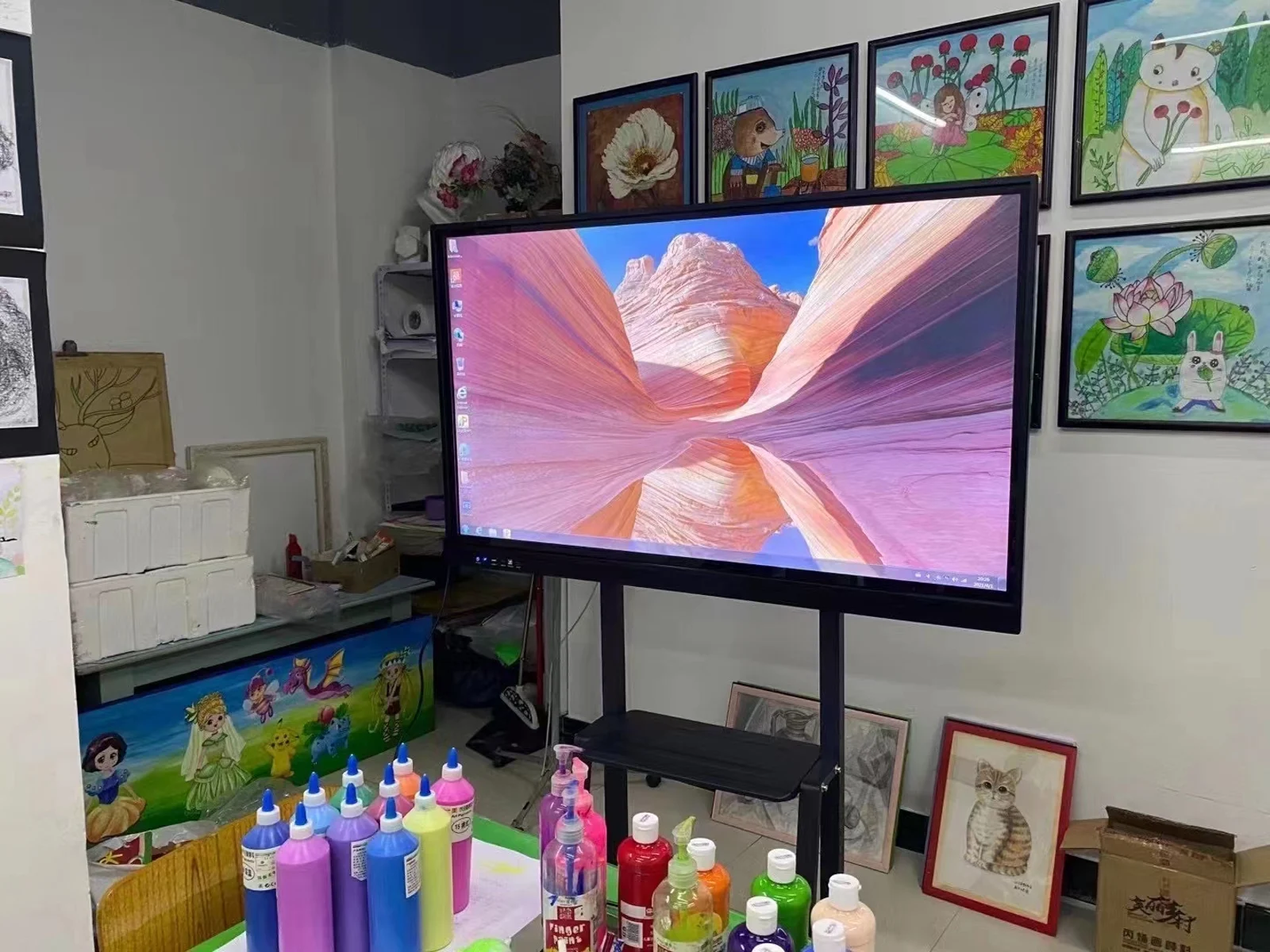
Start with room categories
A headquarters boardroom, small huddle room, training room, and customer experience space may have different requirements. Recording each room category helps the project select an appropriate display size and configuration instead of forcing one model into every space.
- Room dimensions, seating capacity, and maximum viewing distance
- Presentation, video conferencing, whiteboard, and wireless sharing use
- Windows, Android, OPS computer, or external PC requirements
- Touch interaction and peripheral connections
- Wall type, mounting height, power, and network access
Standardize the collaboration platform
For multi-room deployments, consistency matters. The same display series, interface layout, login method, and user instructions reduce training and support effort. Software and video-conferencing requirements should be tested before the rollout specification is locked.
The Conference Room Technology for Europe page describes the broader solution path, while the Smart Meeting Room solution shows how display, wireless casting, whiteboarding, and video collaboration can be combined. Product configurations are available on the Conference and Education All-in-One Computer platform.
Deployment planning
A rollout plan should identify delivery batches, installation teams, room access, lifting equipment, and the sequence for network and software commissioning. If rooms are spread across countries, packaging, power accessories, documentation, and local support arrangements should be reviewed with the destination requirements in mind.
Installation acceptance should include display operation, touch response, wireless casting, audio, video input, network access, cable management, and a check that each room follows the approved configuration. An asset list and configuration record make future maintenance easier.
Testing before full installation
A pilot room can reveal cable, network, software, and mounting issues before the full rollout begins. The pilot should test the selected display size, touch behavior, wireless casting, video conferencing, audio, and the daily startup and shutdown workflow. If the configuration passes, the approved room becomes the reference for remaining locations.
The rollout team should also define how changes are handled. Any request to change software, accessories, mounting, or configuration should be assessed against the approved project baseline so that different rooms do not drift into incompatible builds.
Information to provide
- Number of rooms, locations, and rollout phases
- Room plans, viewing distance, and required display sizes
- Operating system, software, and meeting-platform requirements
- Mounting details, power, network, and cable access
- Destination countries, target timeline, and service expectations
Send the project plan and room schedule for a configuration review. Final specifications, documentation, delivery planning, and commercial terms are confirmed in writing.