
A compact flexible office computer supporting multiple Intel Core generations with VGA, HDMI, dual storage, and dual Wi-Fi antennas.
Commercial & Office
F2 Flexible Office Mini PC
A compact flexible office computer supporting multiple Intel Core generations with VGA, HDMI, dual storage, and dual Wi-Fi antennas.
Product highlights
Built for reliable deployment.
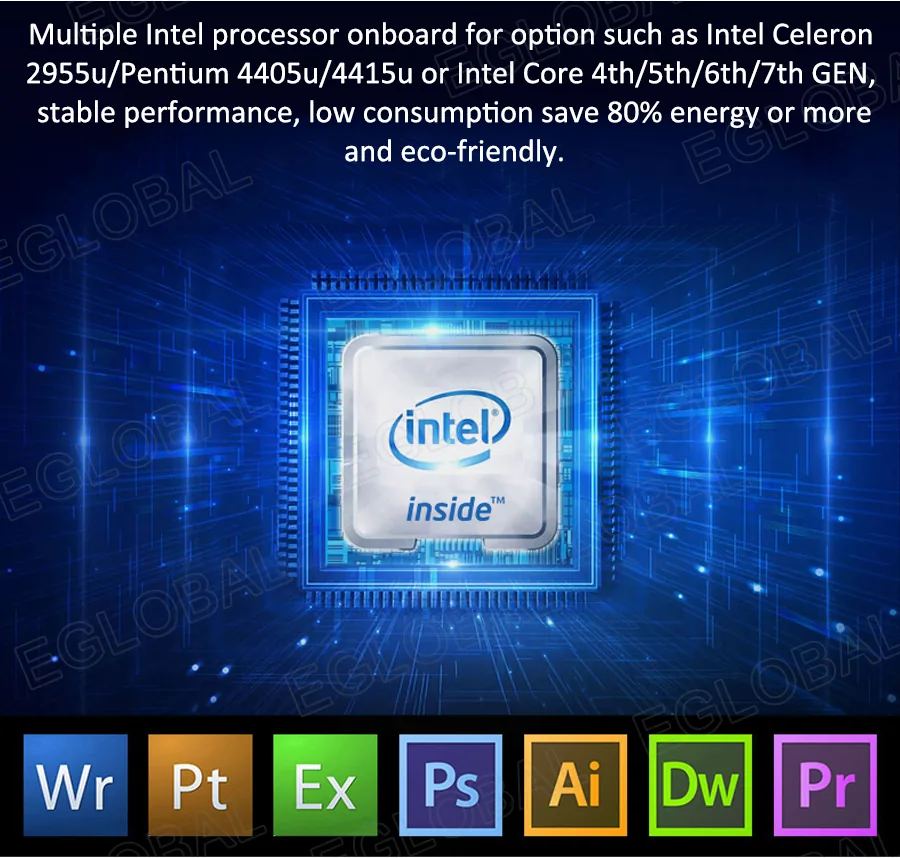
- Flexible Intel processor options
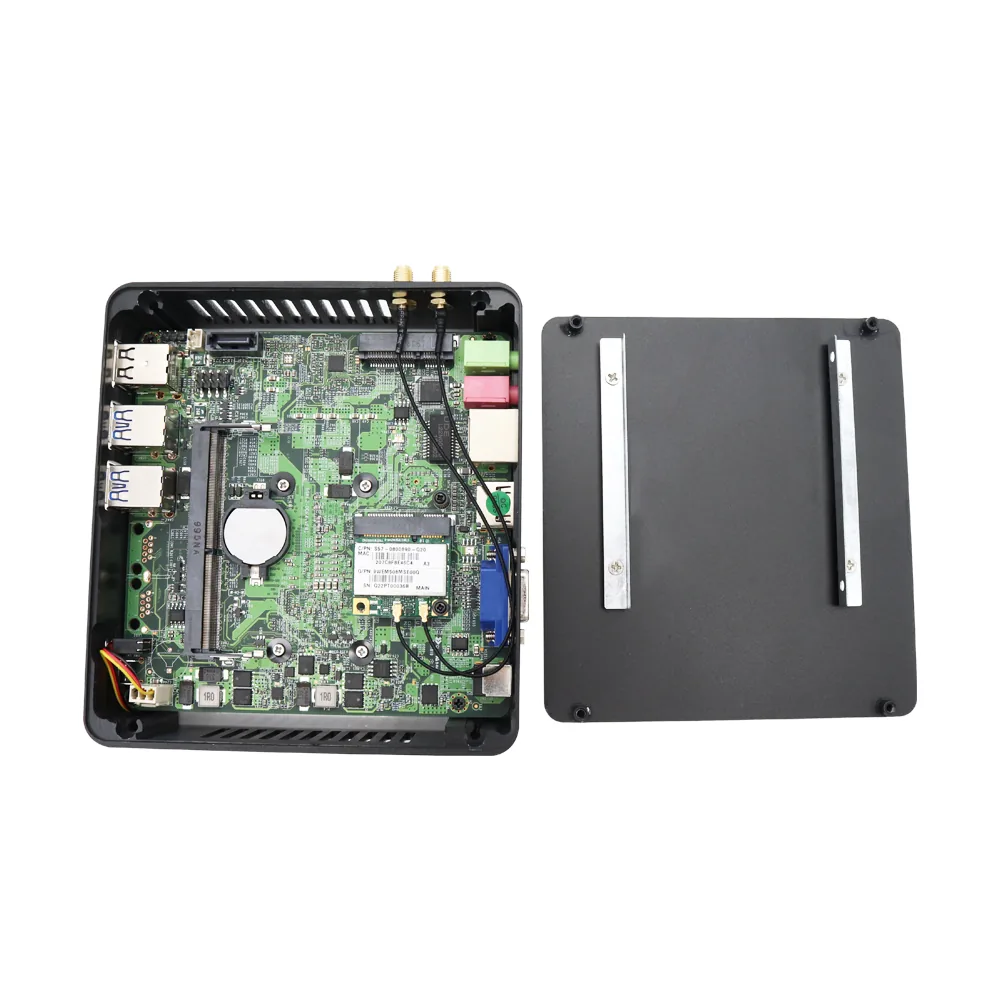
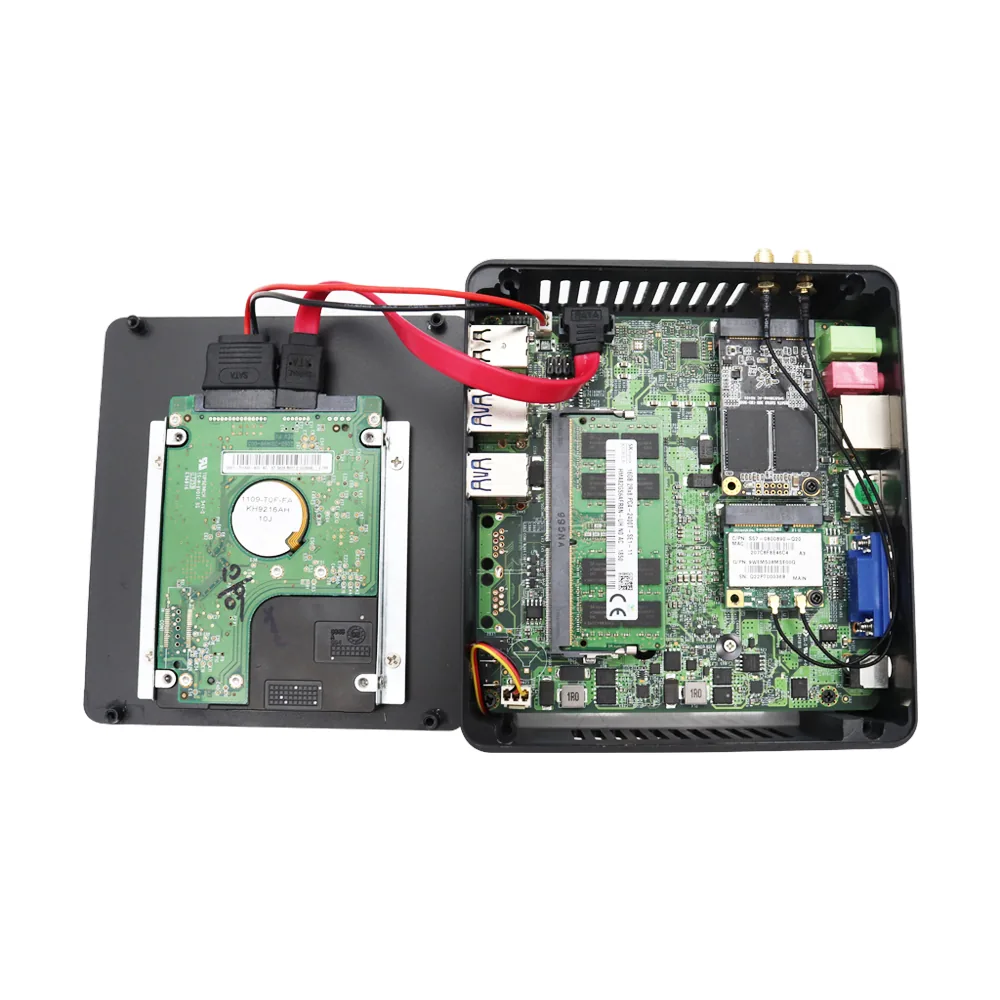
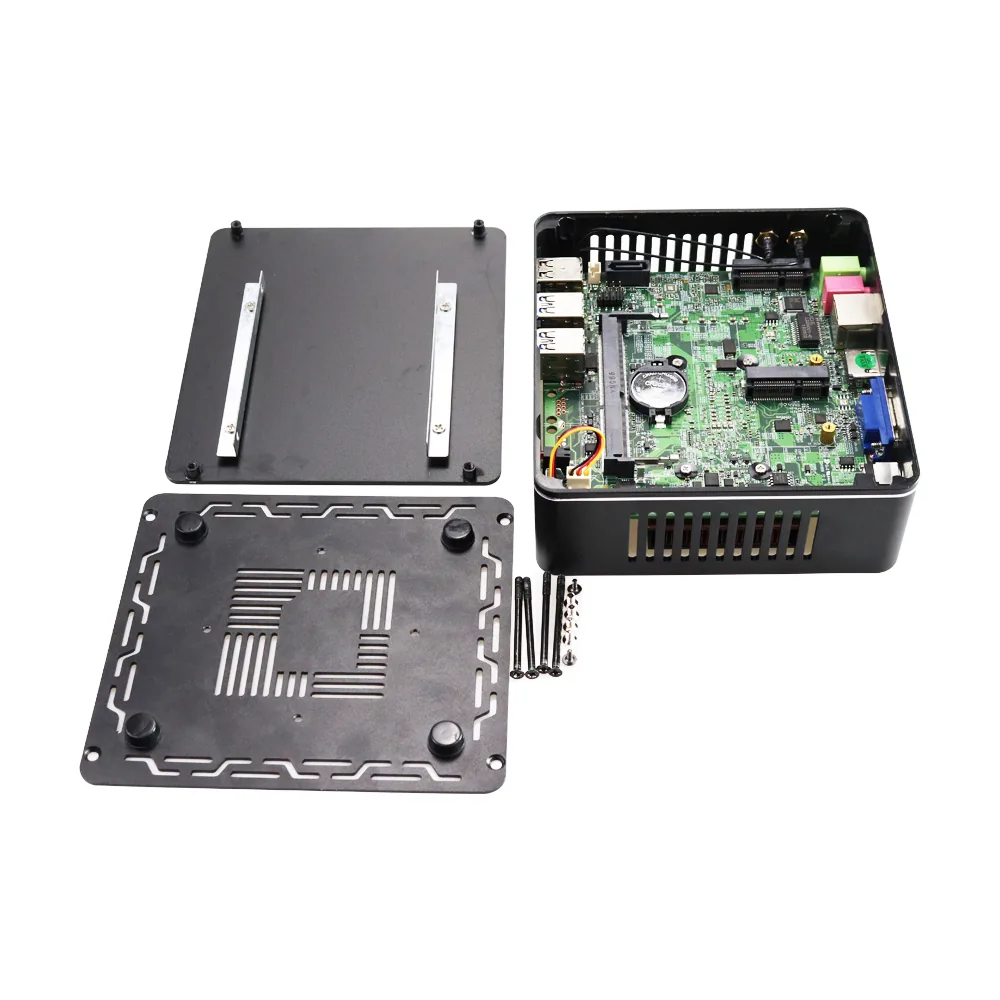
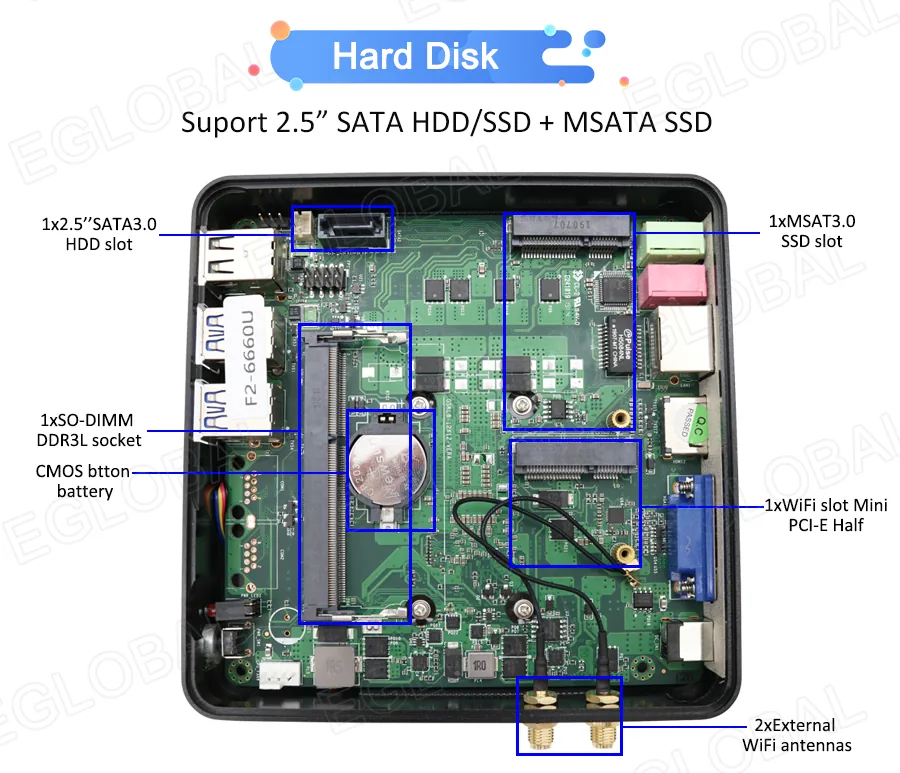
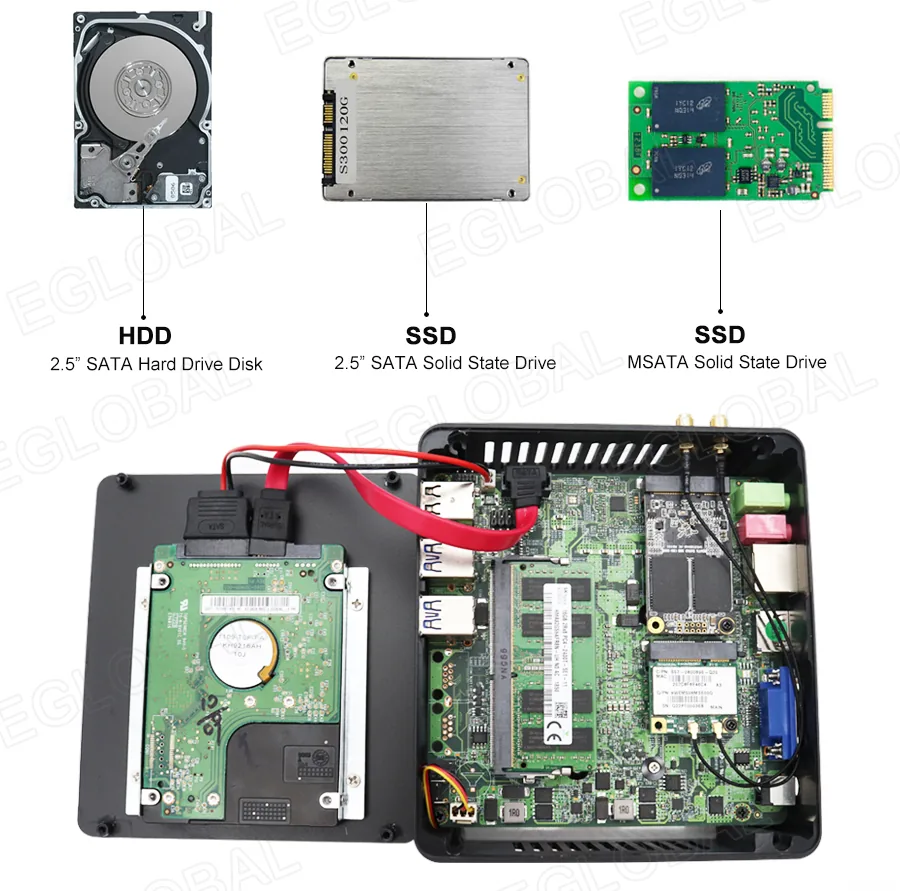
- Dual storage support with mSATA SSD and 2.5-inch SATA drive
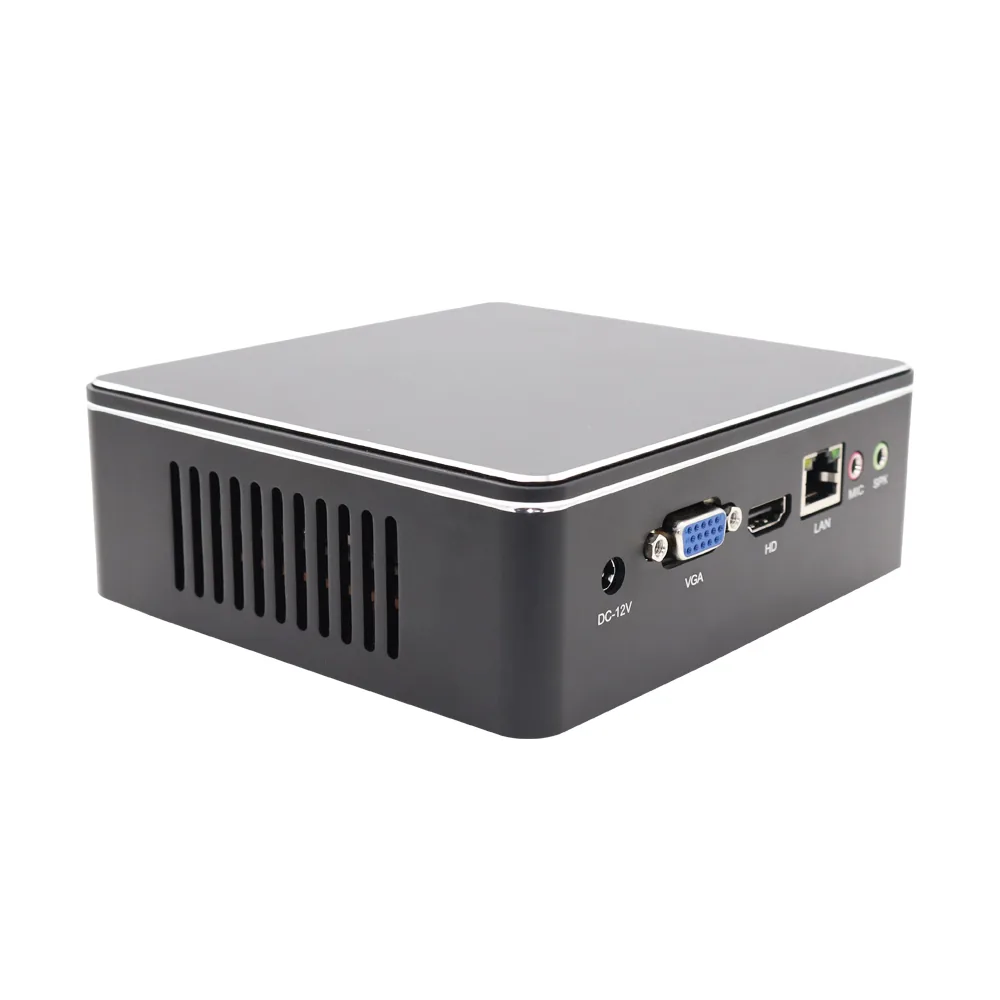
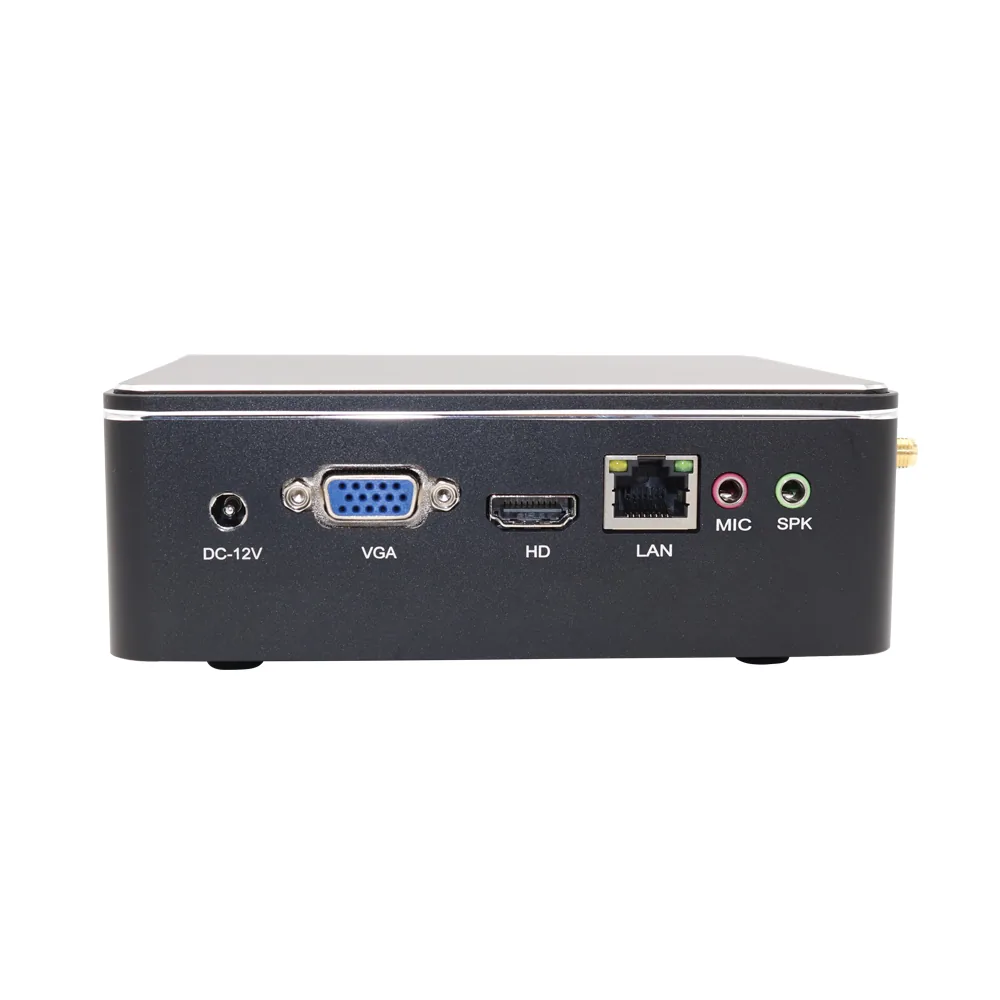
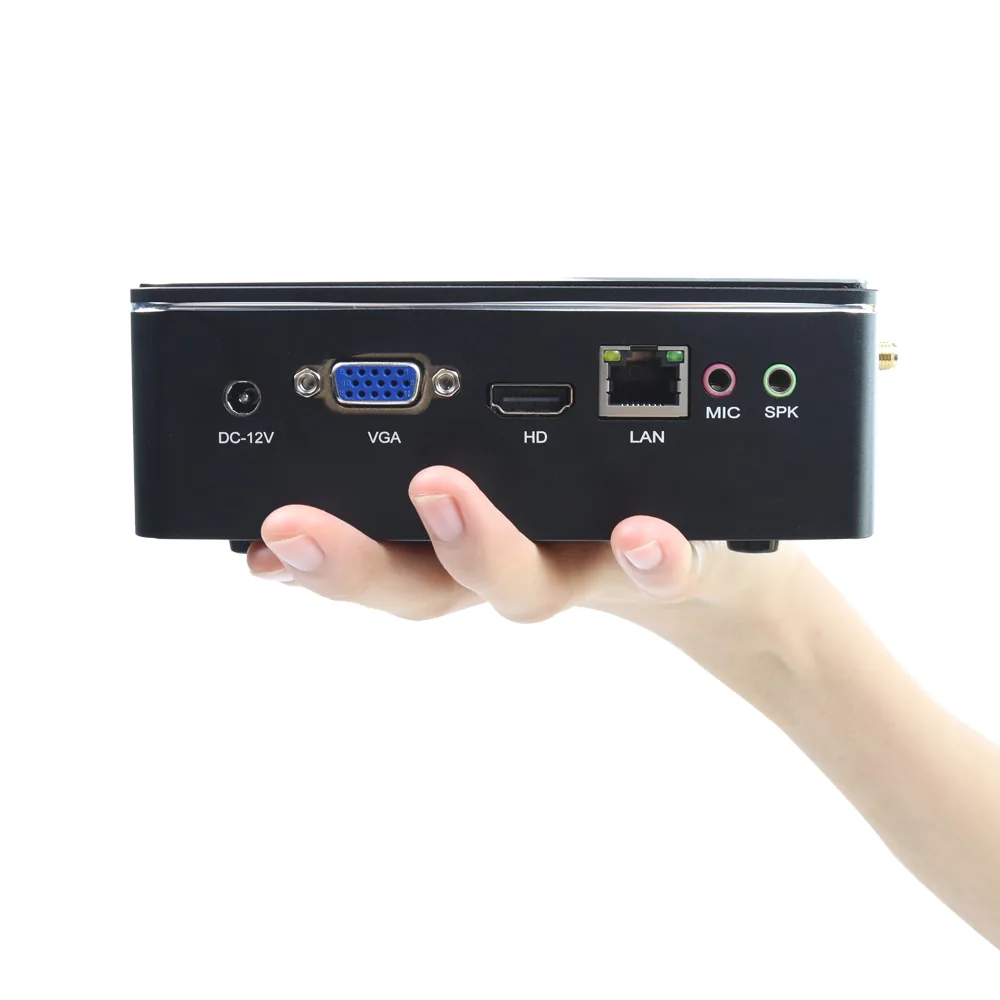
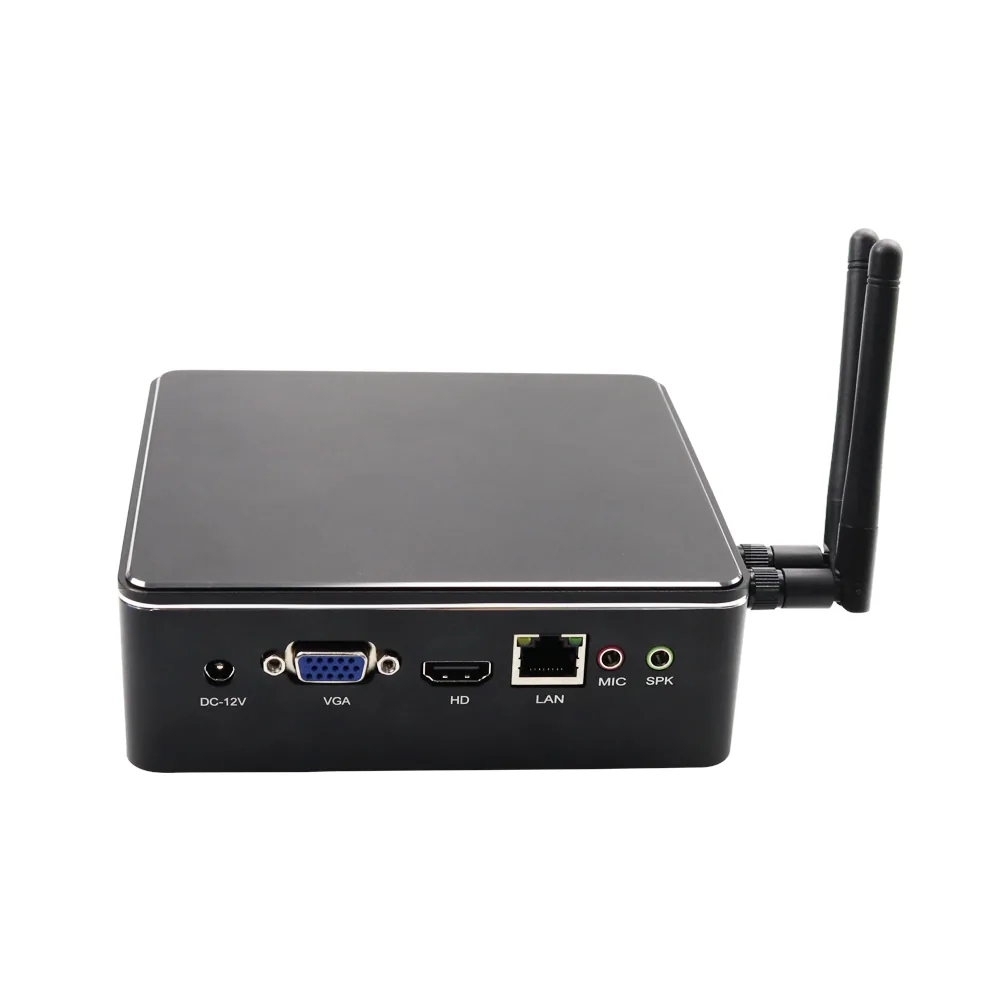
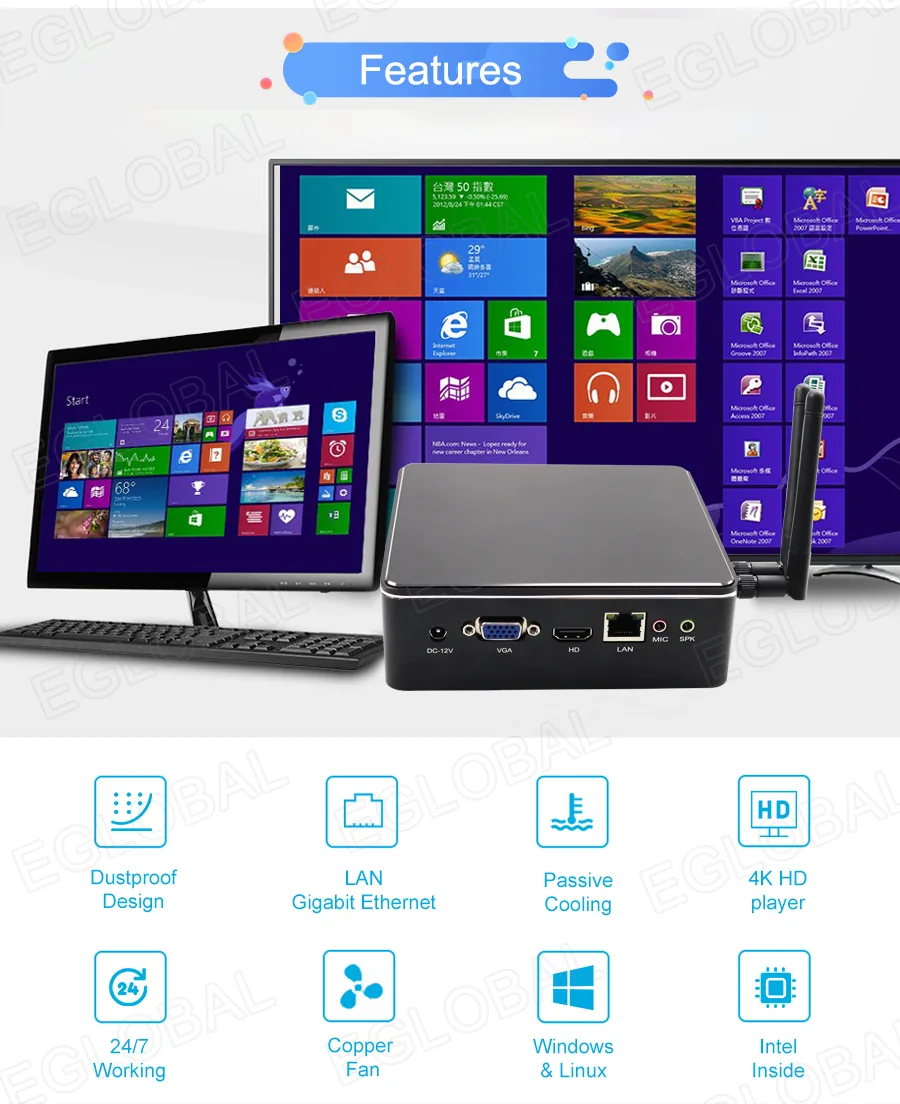
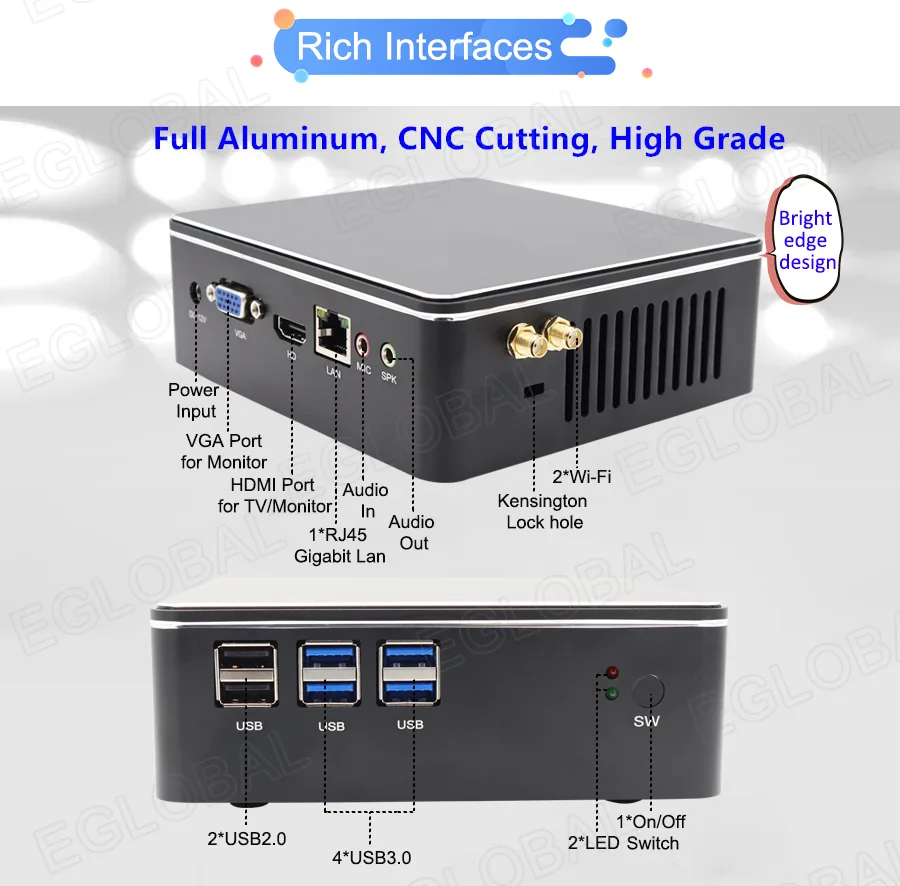
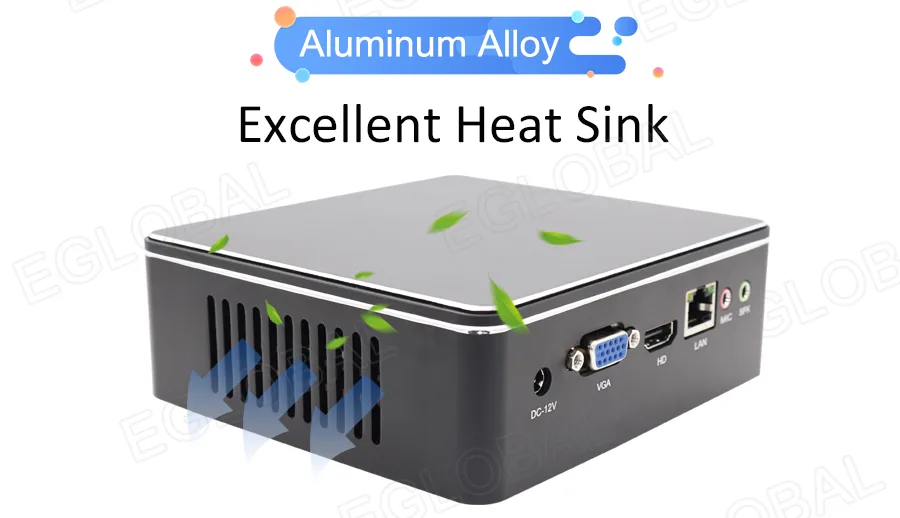
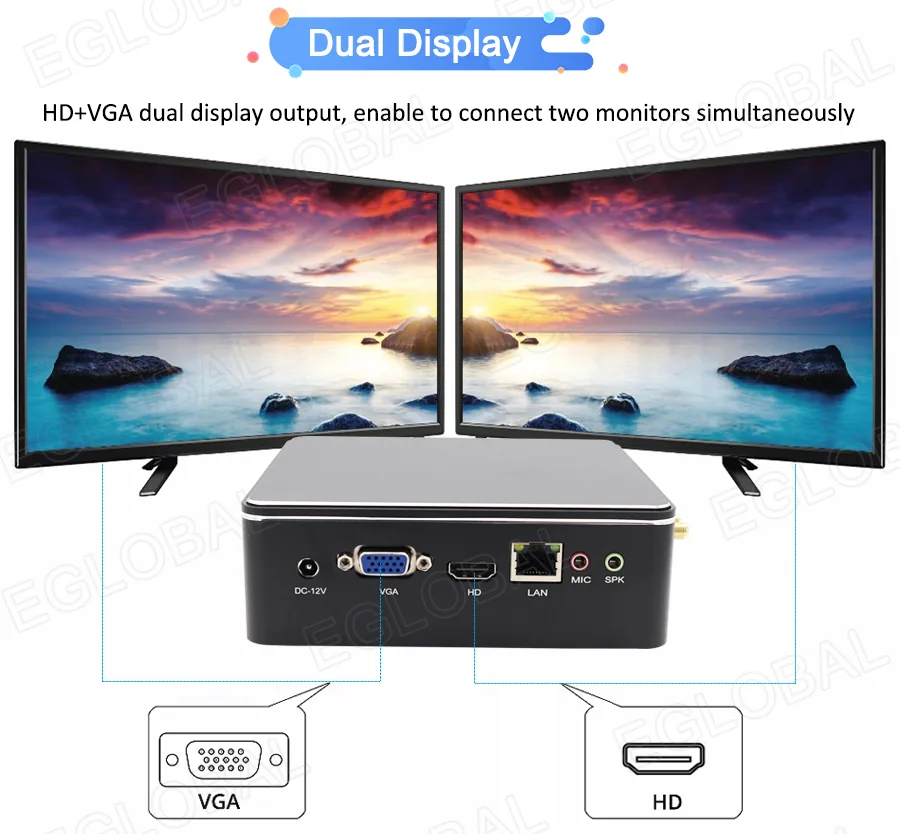
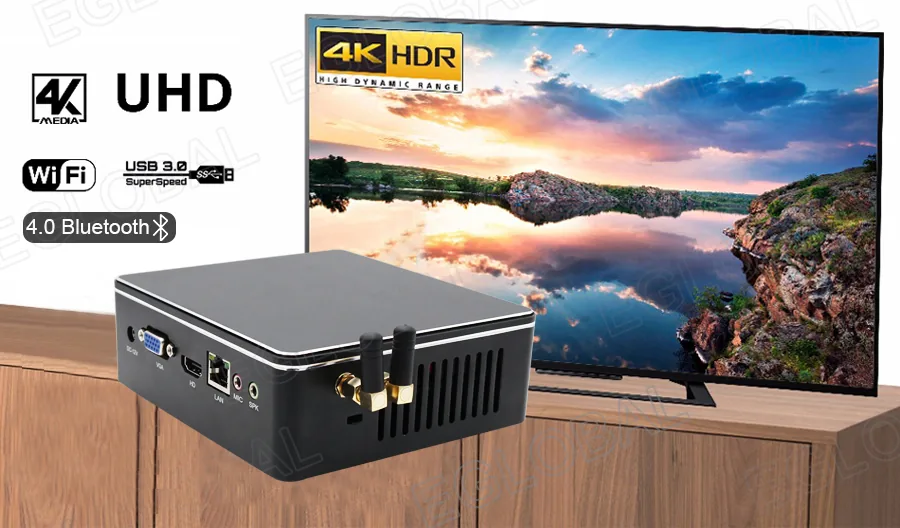
- VGA and HDMI dual display
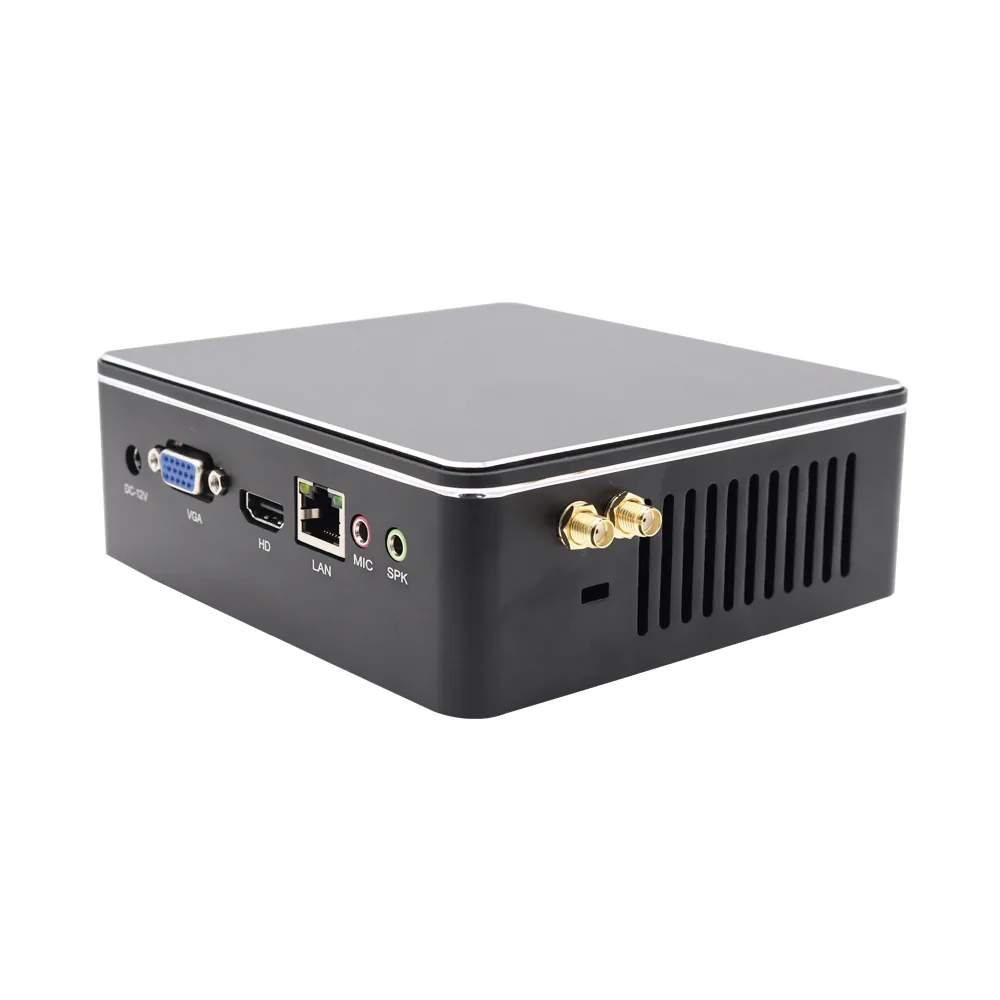
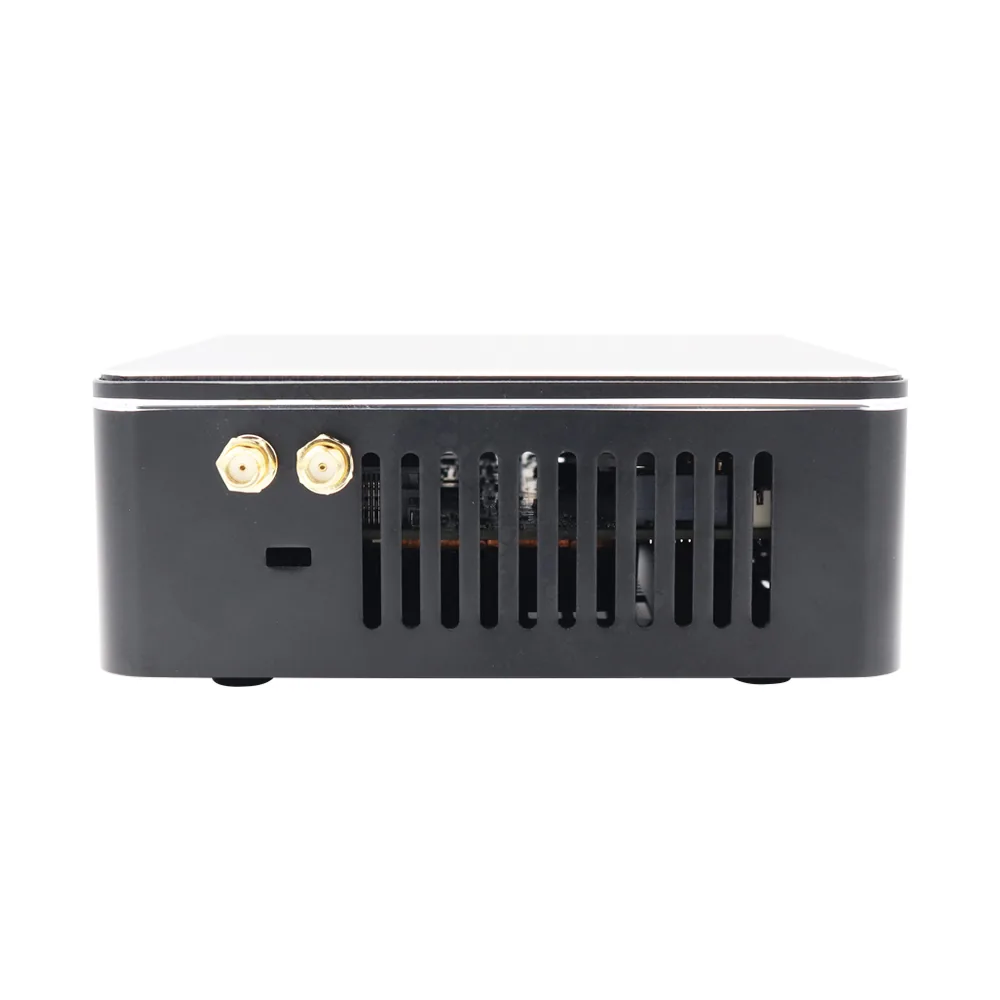
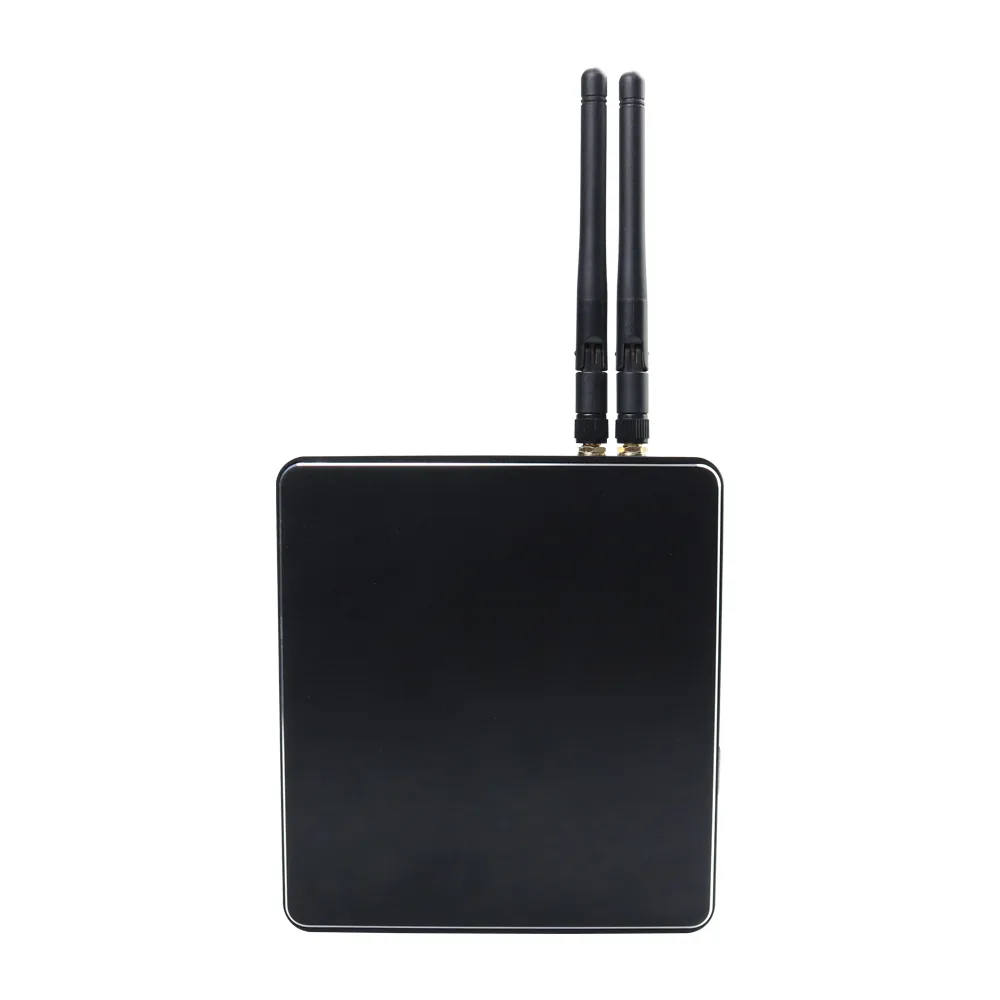
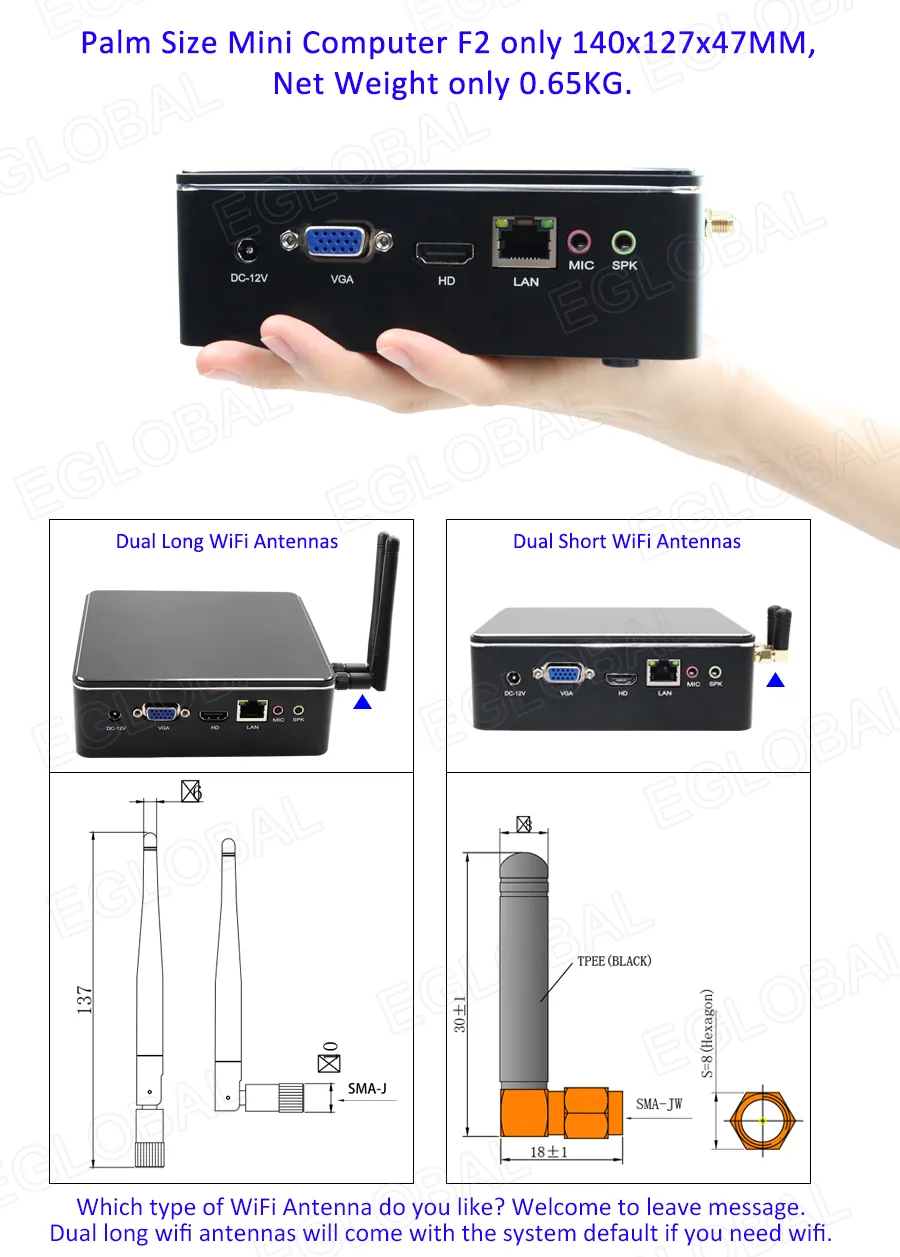
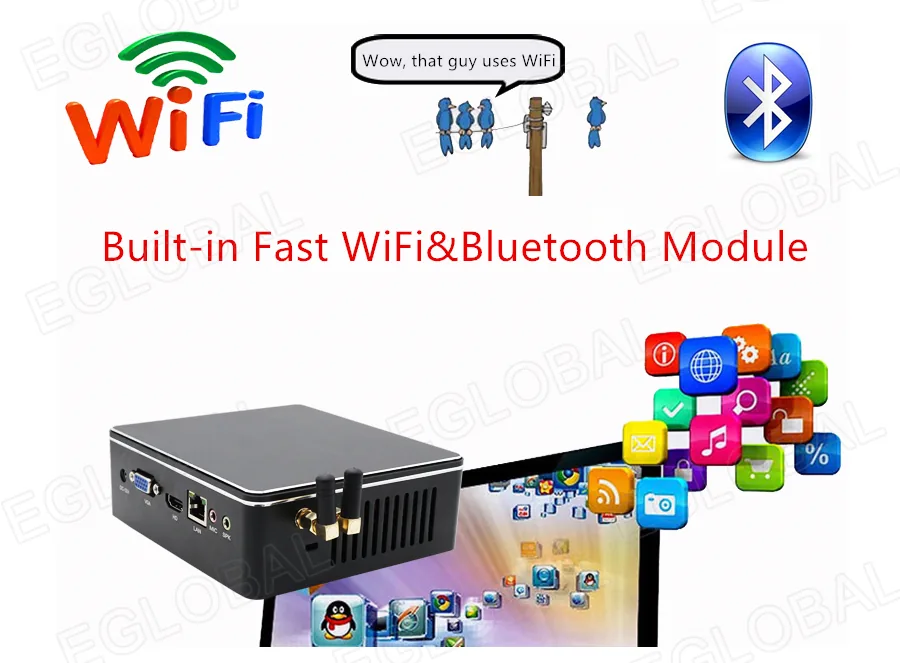
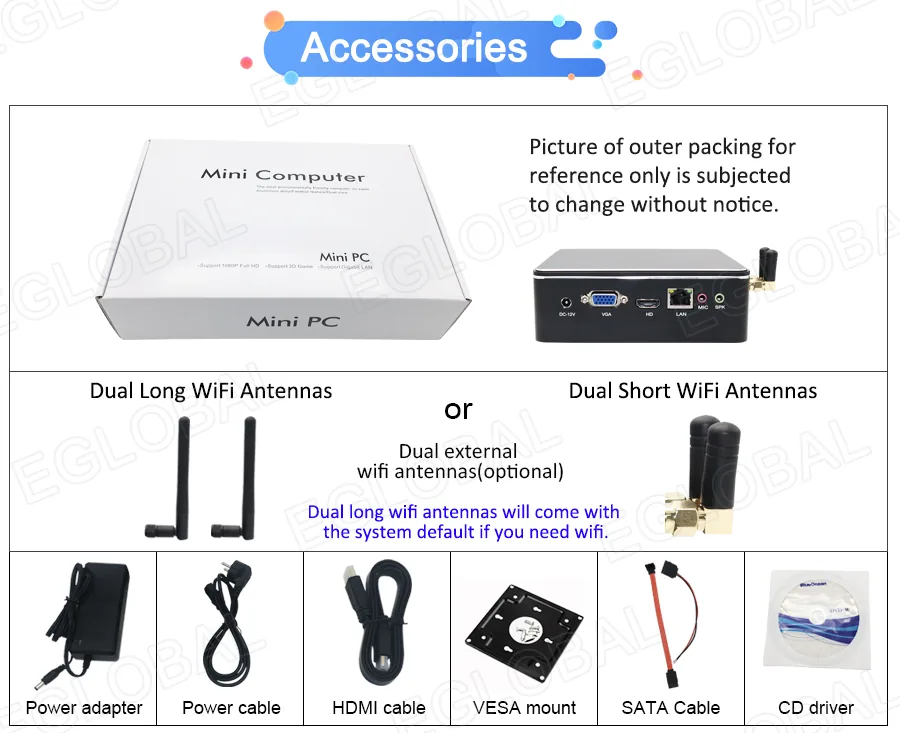
- Dual external Wi-Fi antenna design
Technical specifications
F2 specifications
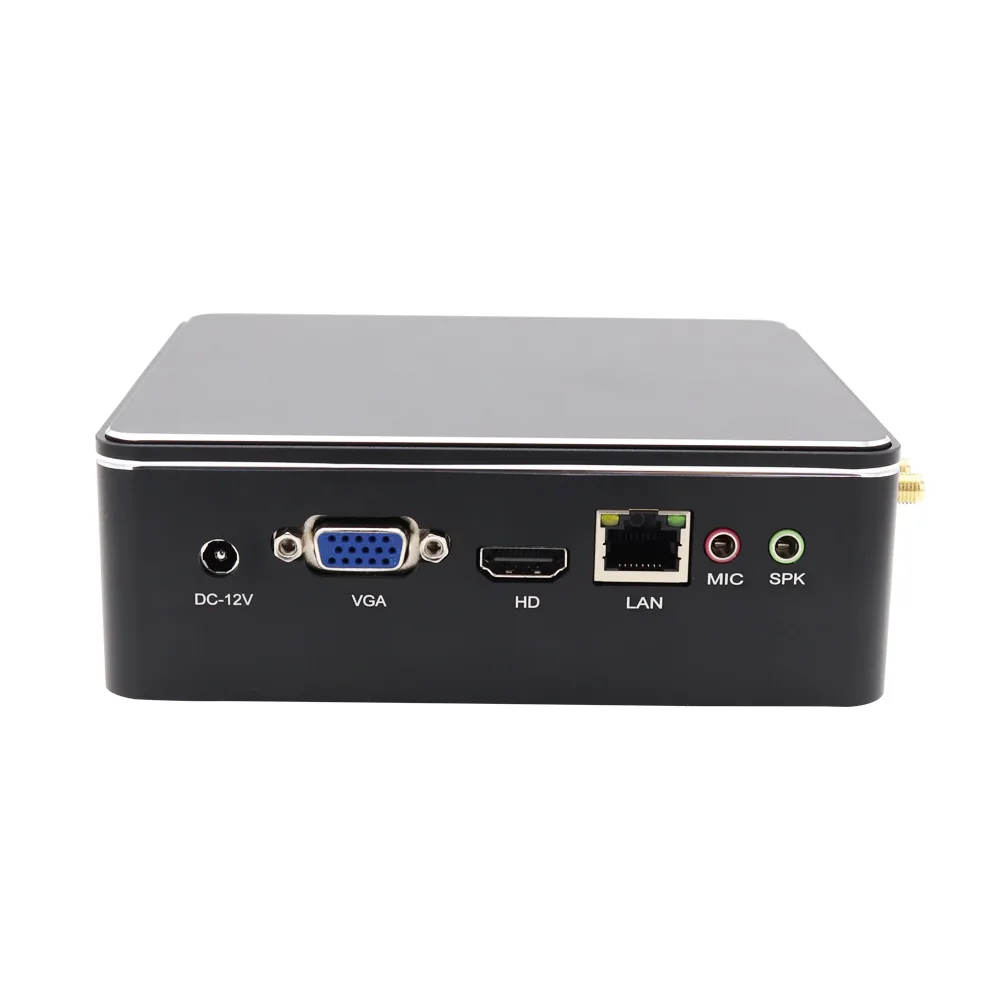
| CPU | Intel 4th / 6th / 7th Gen Core i3 / i5 / i7 |
|---|---|
| Memory | 1 x DDR3 or DDR4 SO-DIMM depending on CPU |
| Storage | 1 x mSATA 3.0 SSD; 1 x 2.5-inch SATA HDD or SSD |
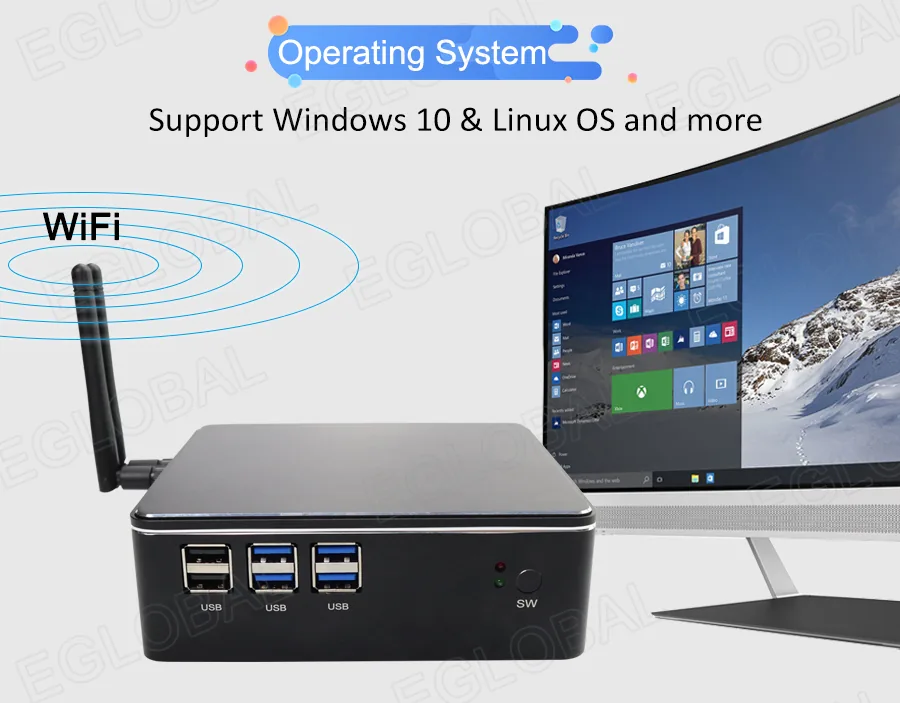
| OS | Windows 7 / Windows 10 / Linux |
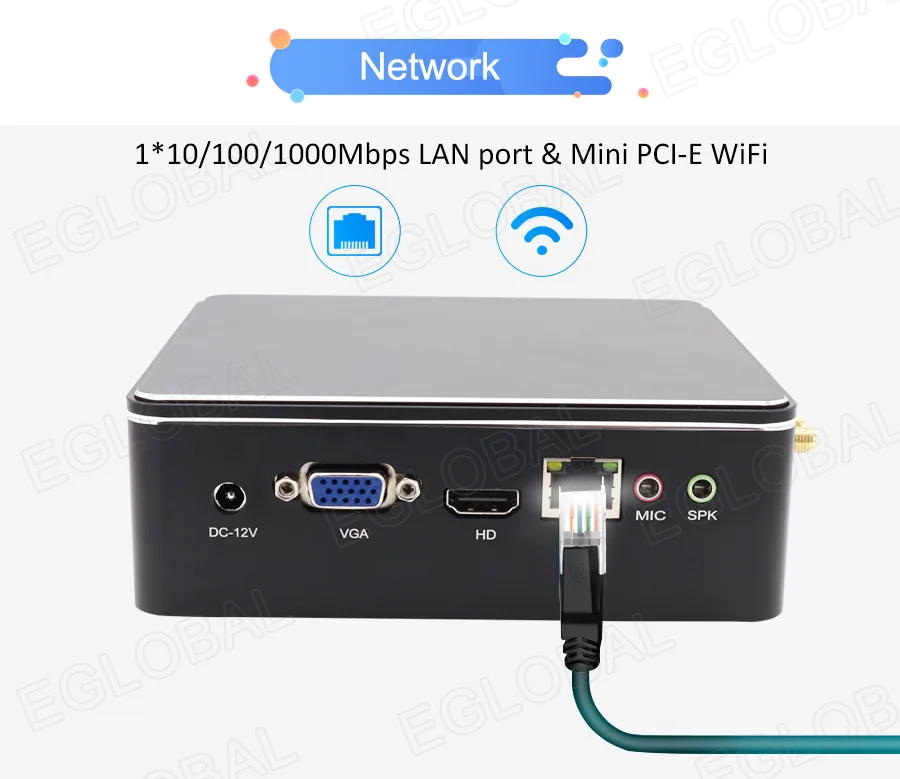
| Network | 1 x Realtek RTL8168/8111/8112 Gigabit LAN |
| Wi-Fi | 1 x Mini PCIe half-size slot with external antennas |
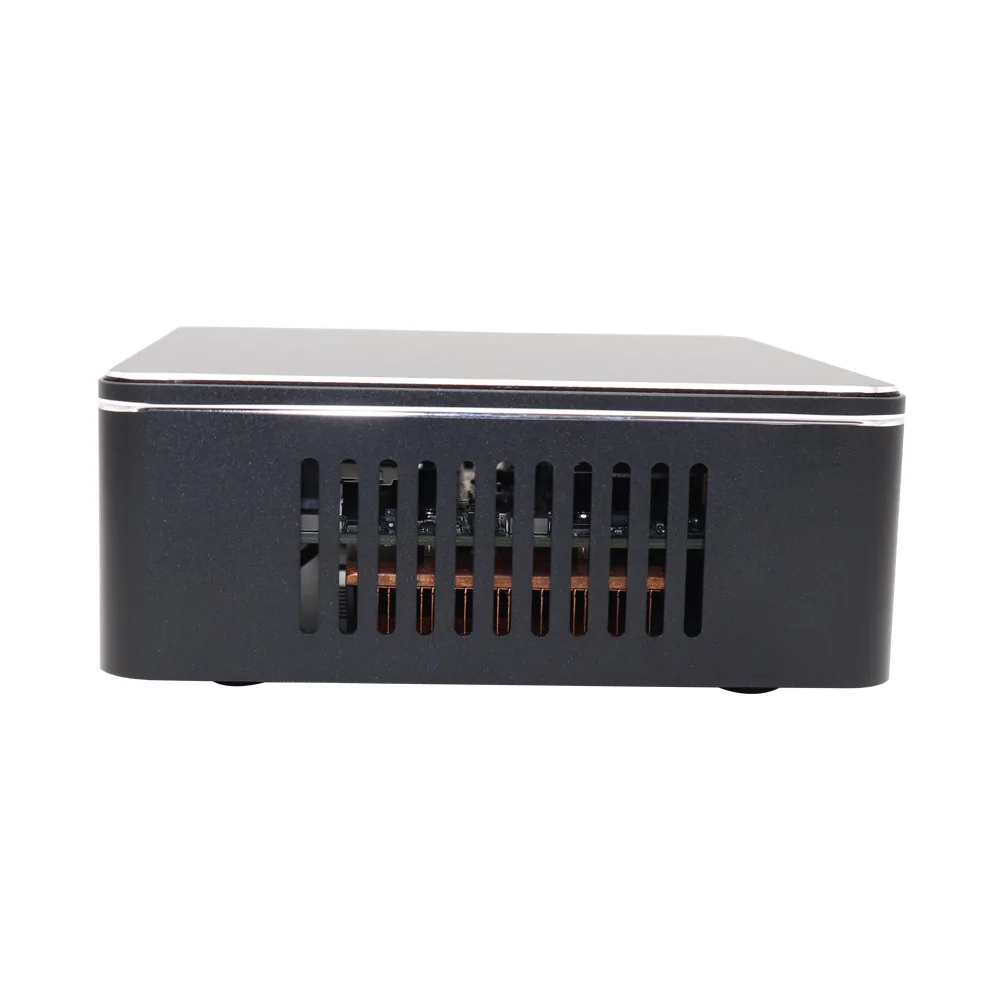
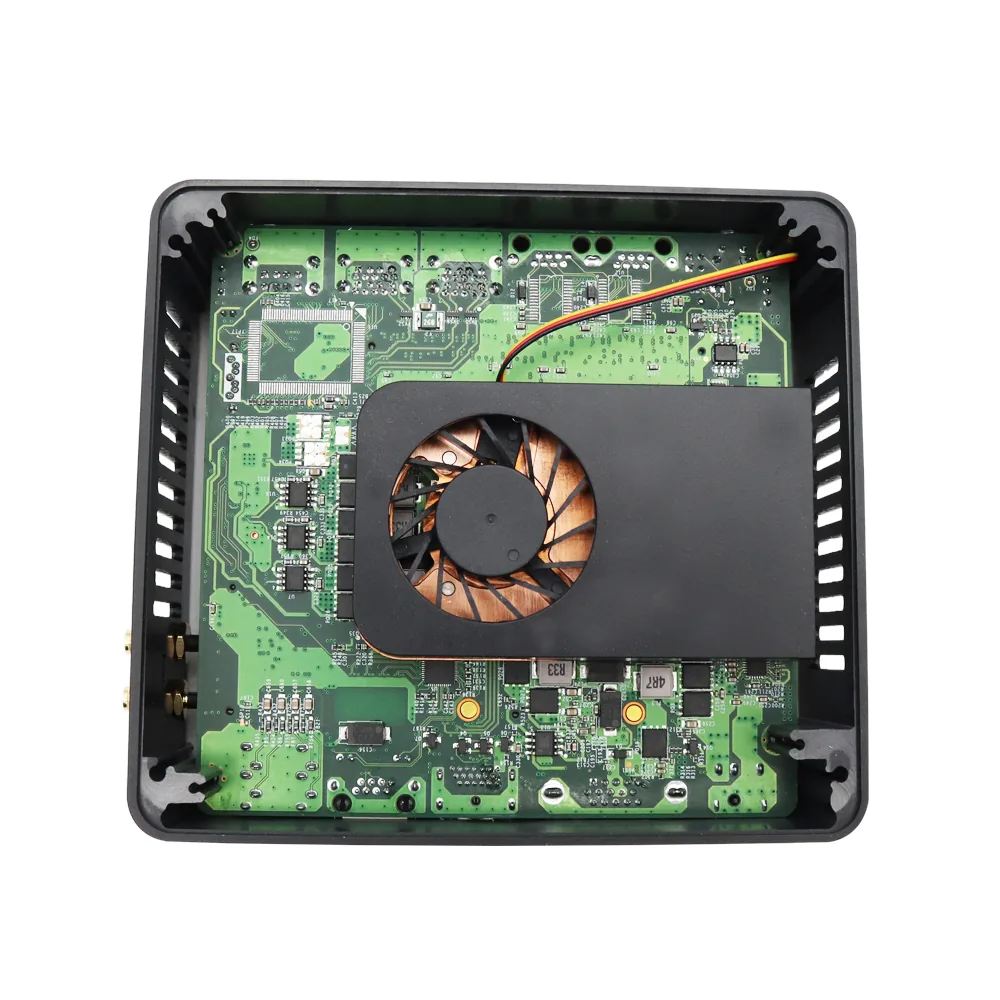
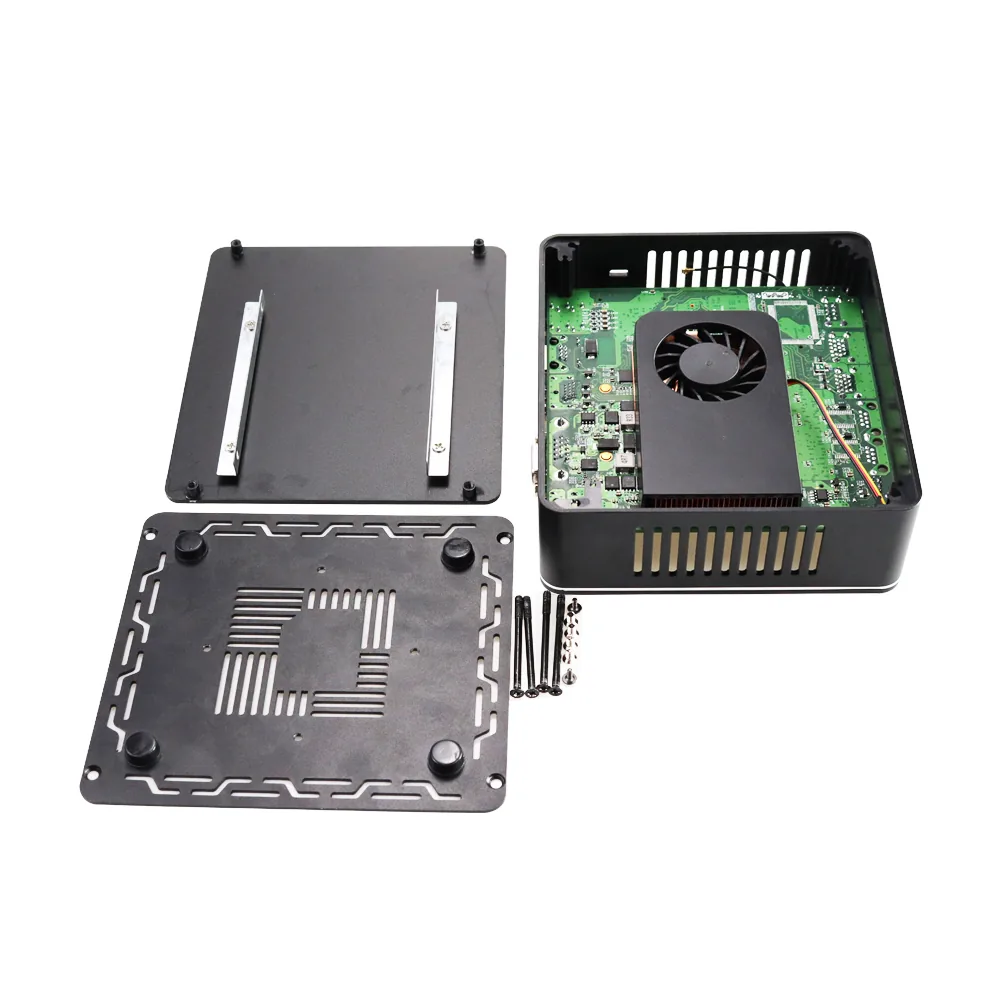
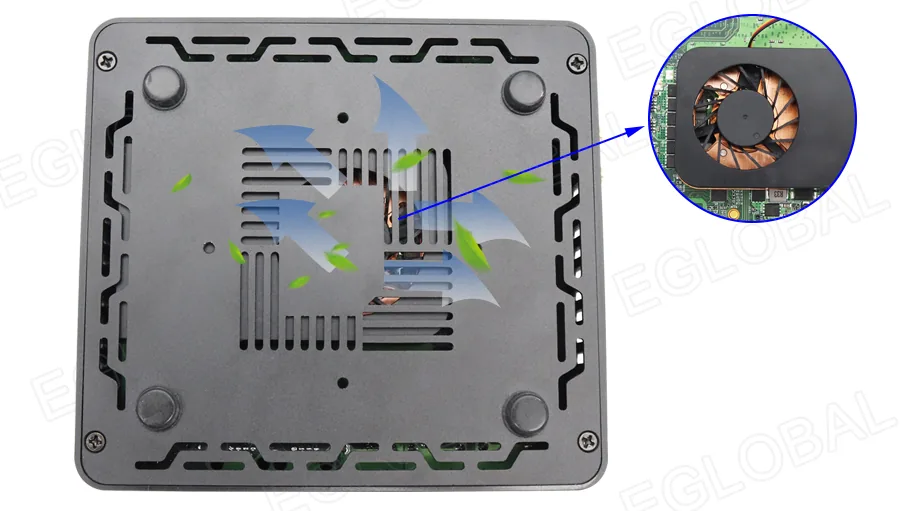
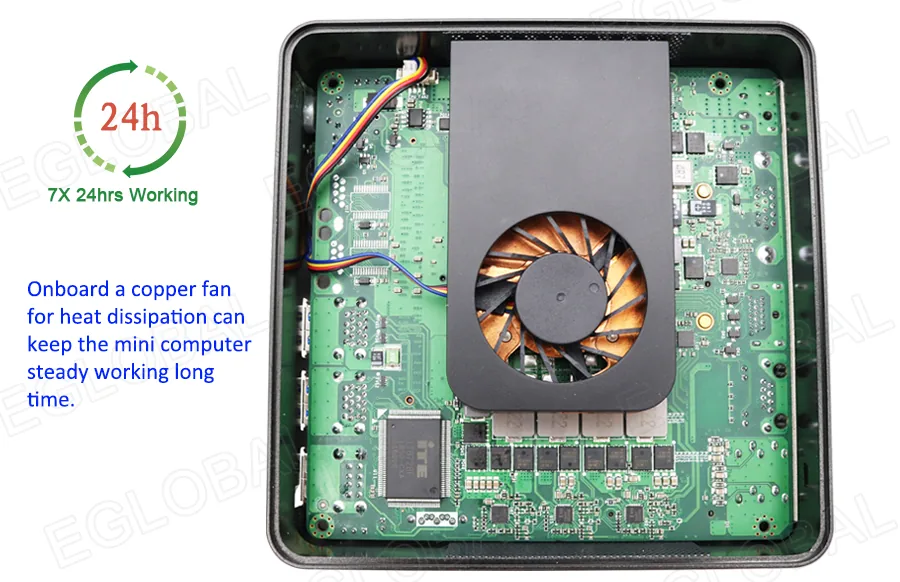
| Cooling | Copper cooling fan |
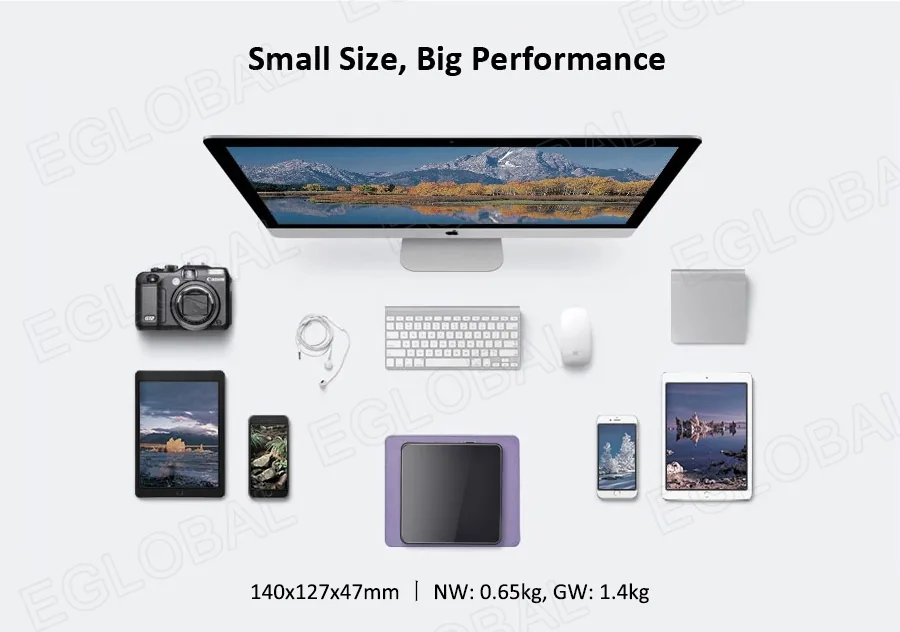
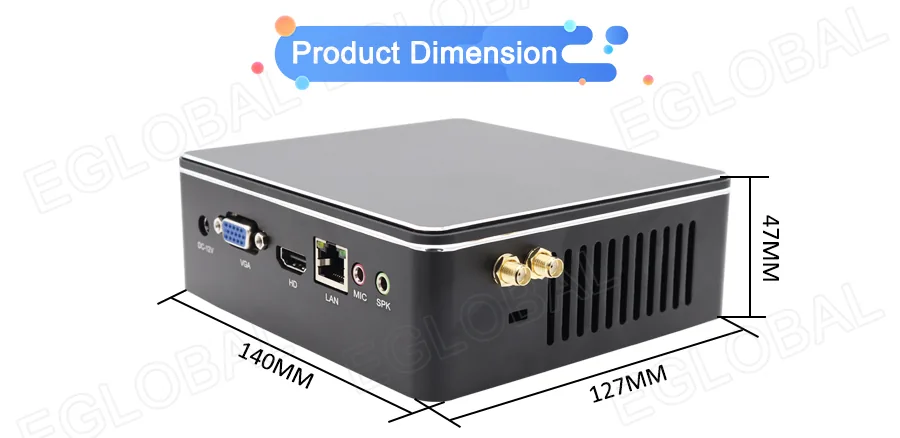
| Dimensions | 140 x 127 x 47 mm |
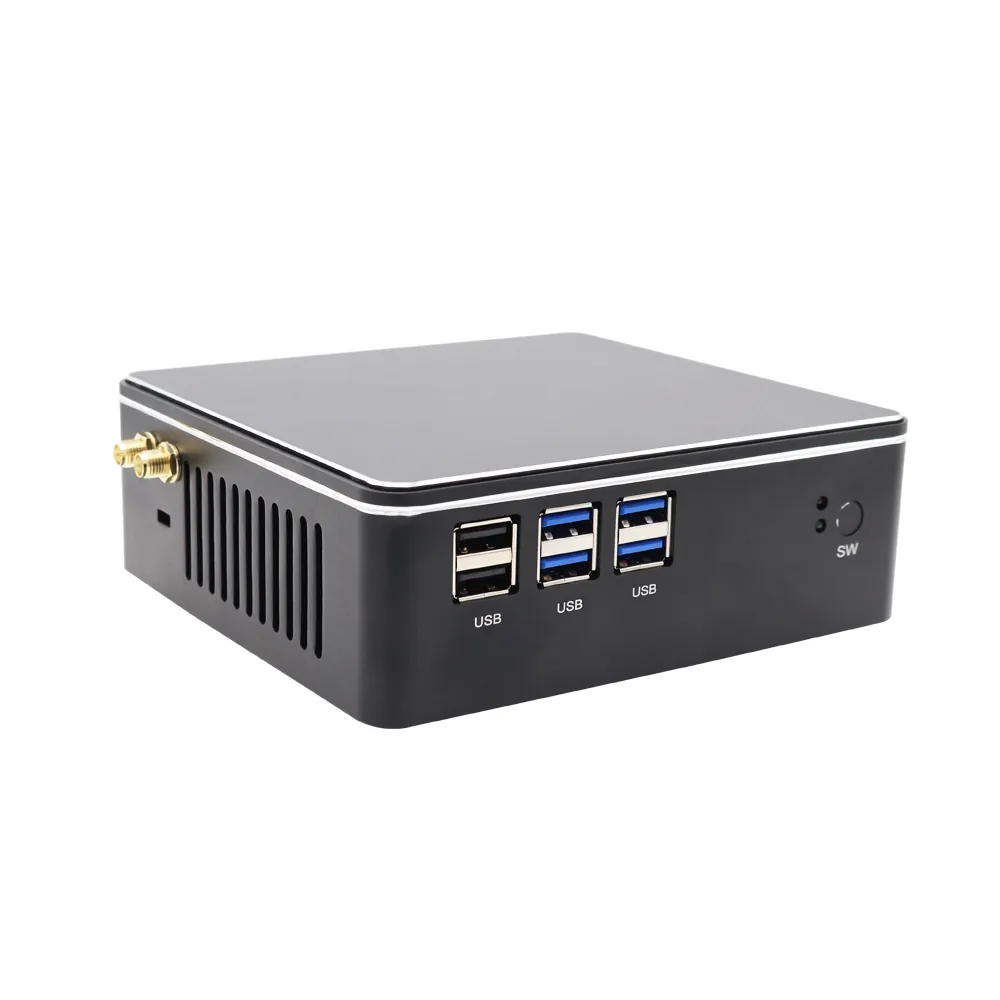
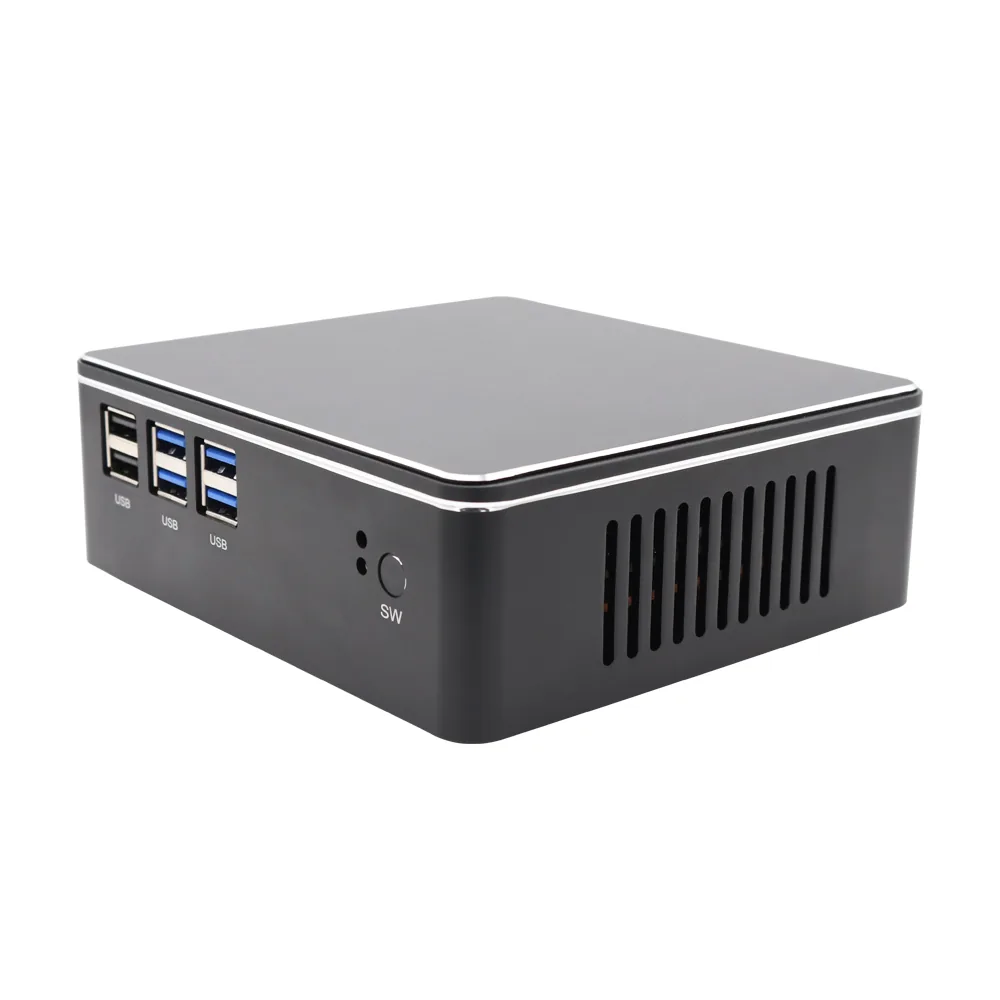
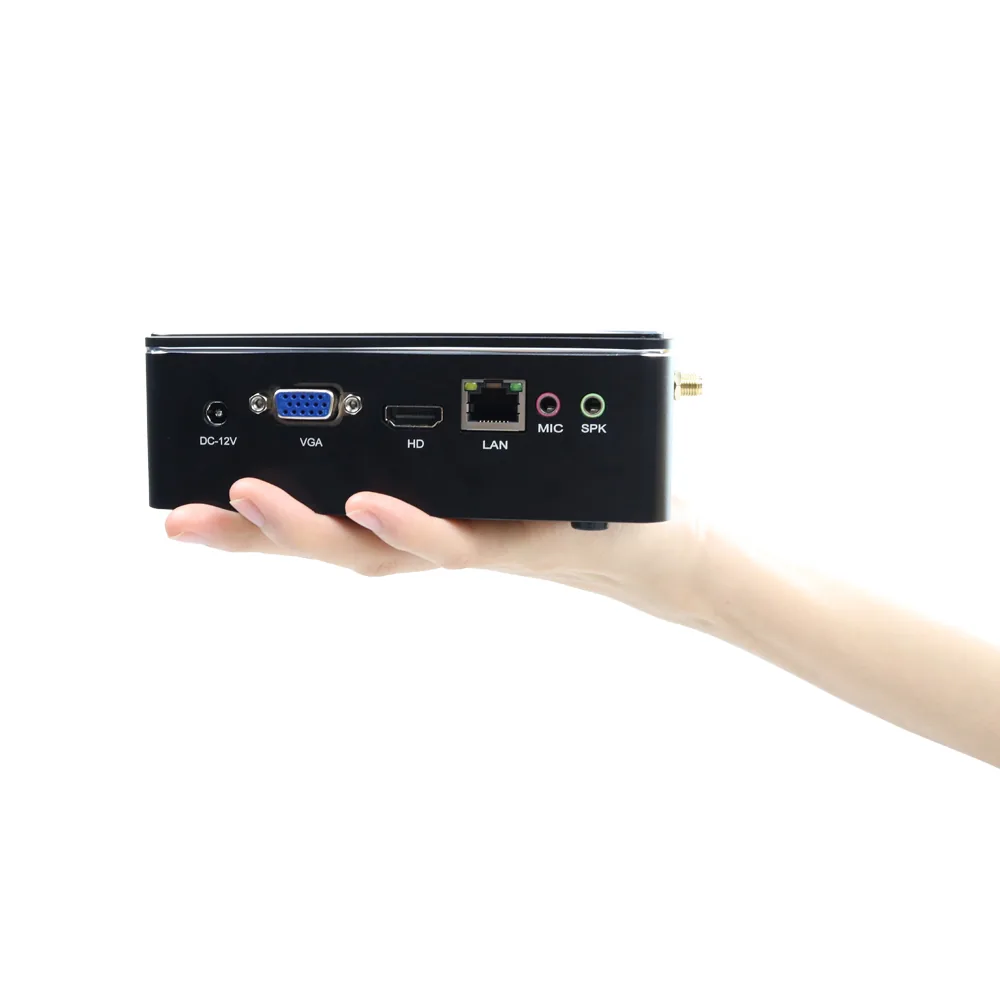
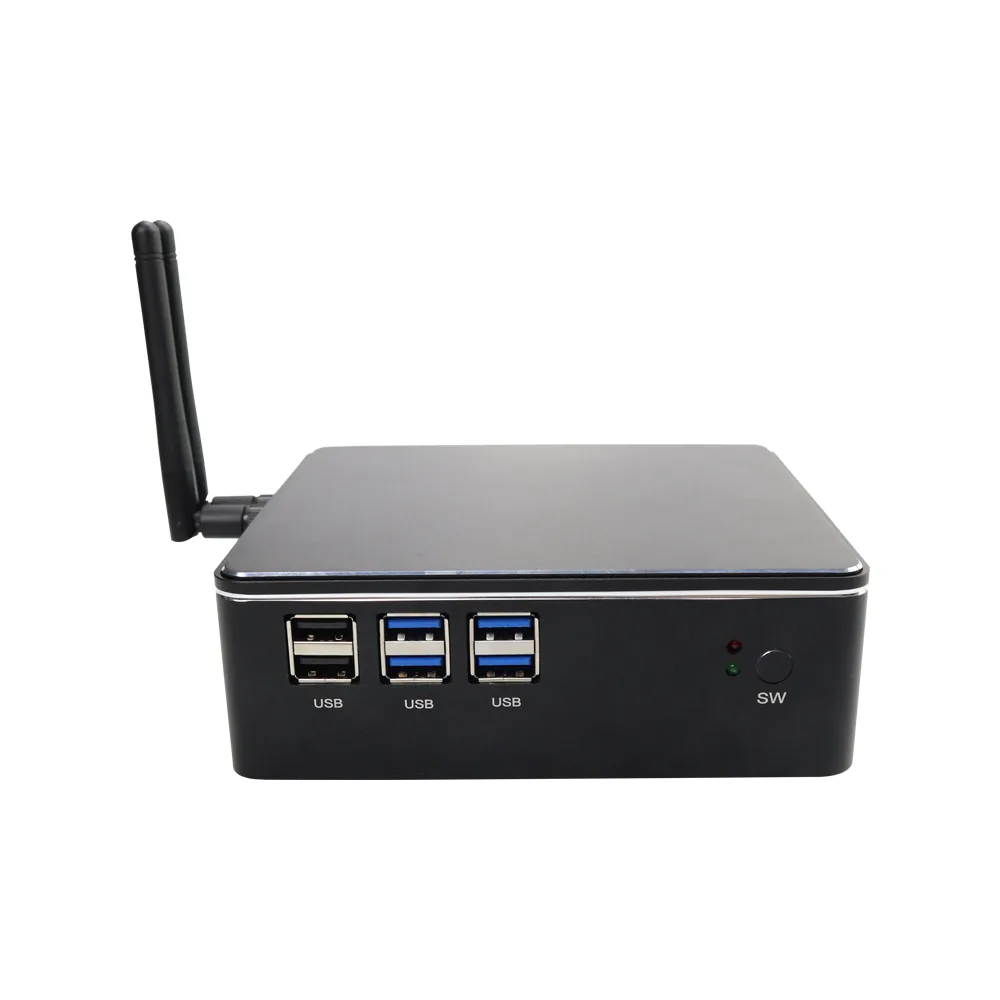
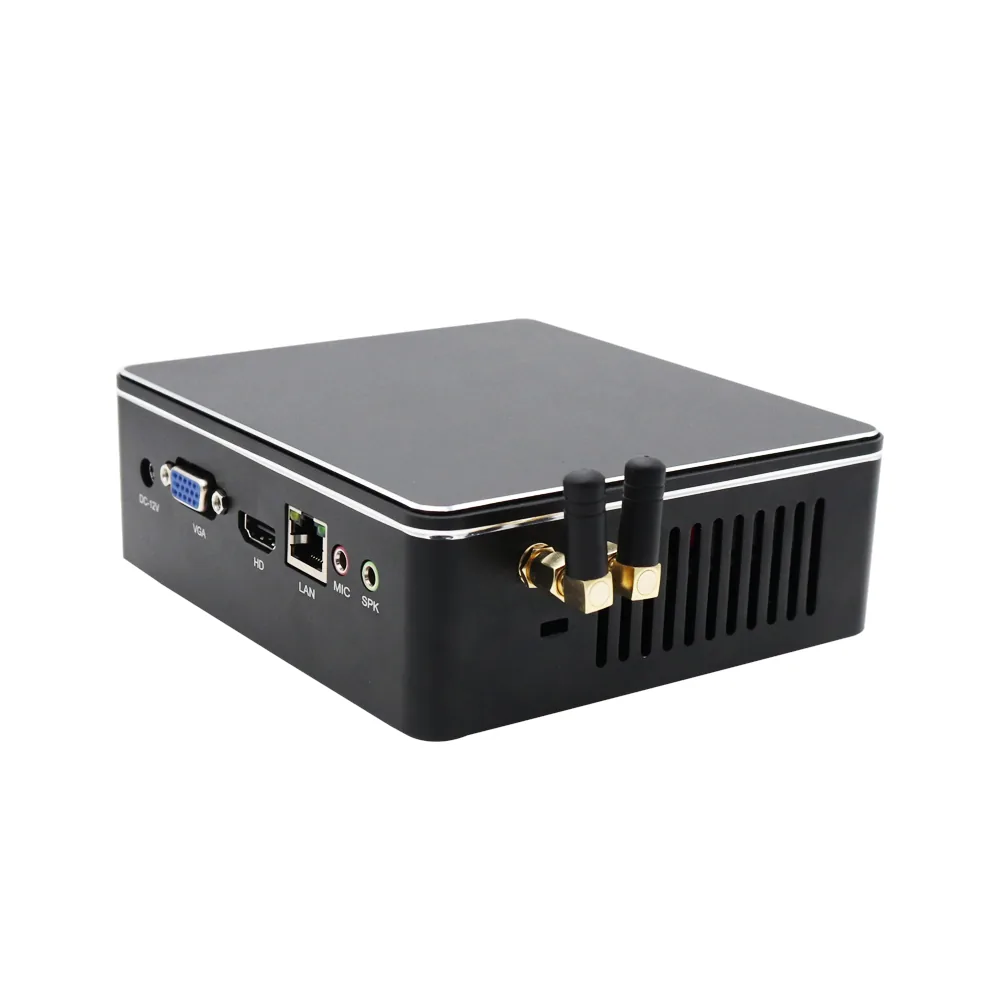
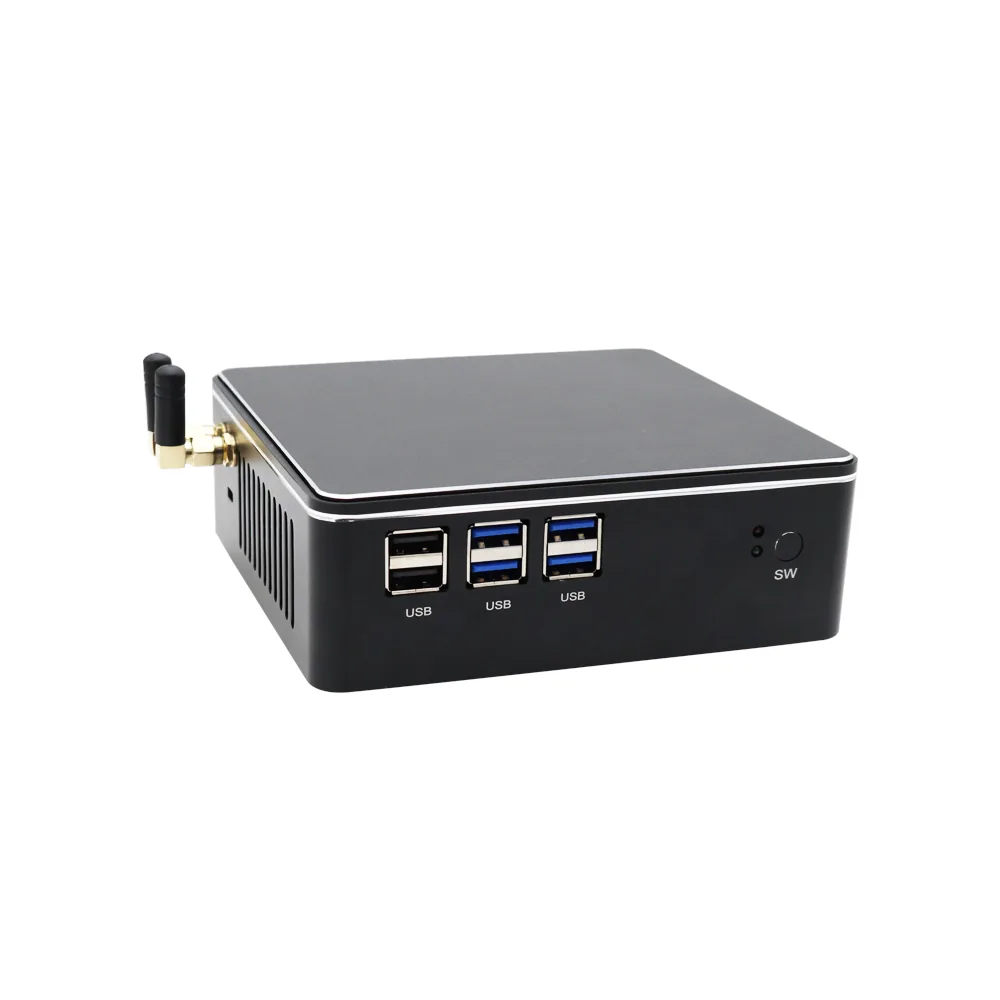
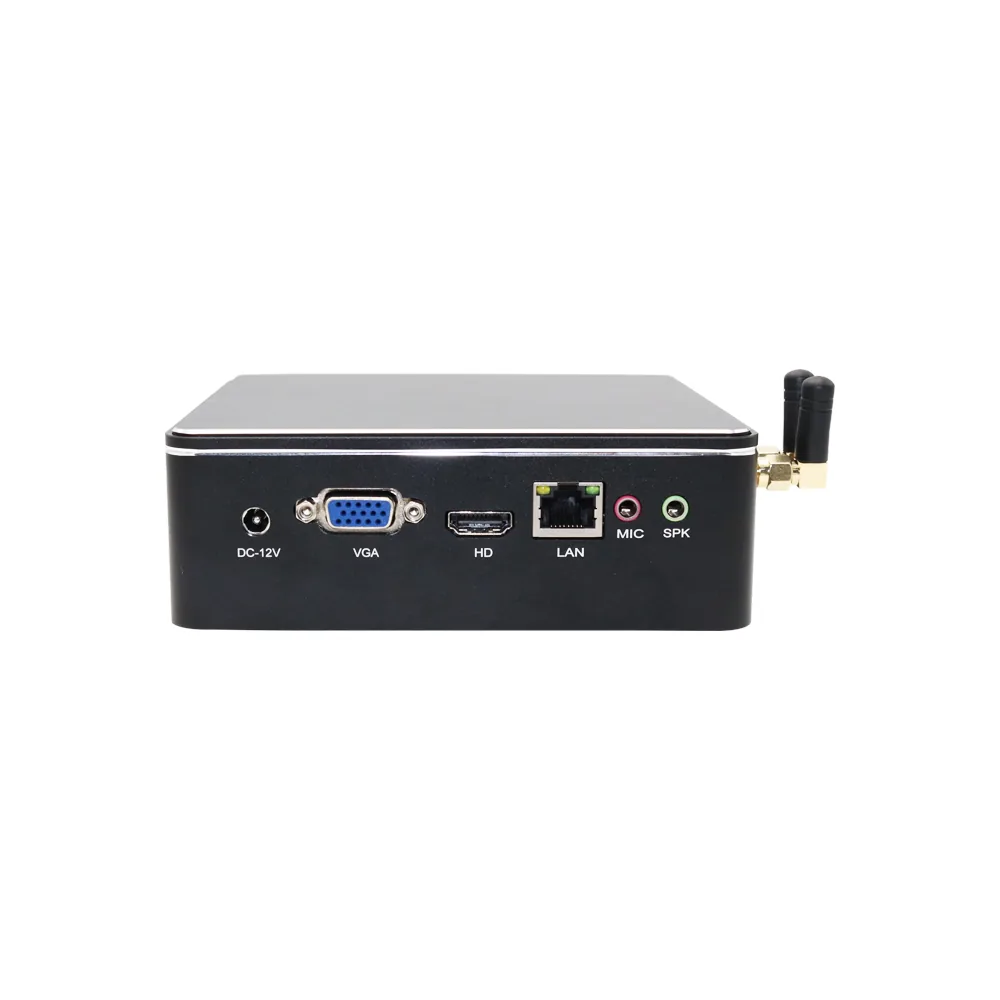
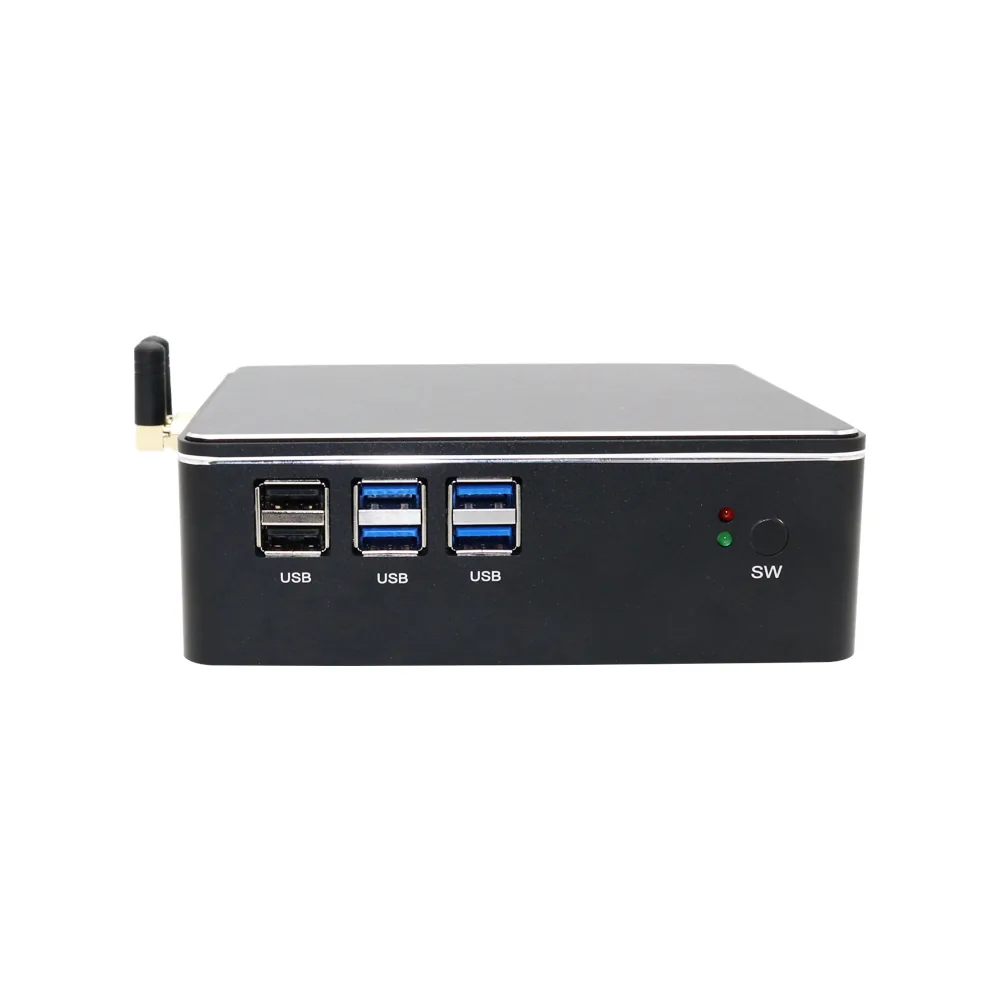
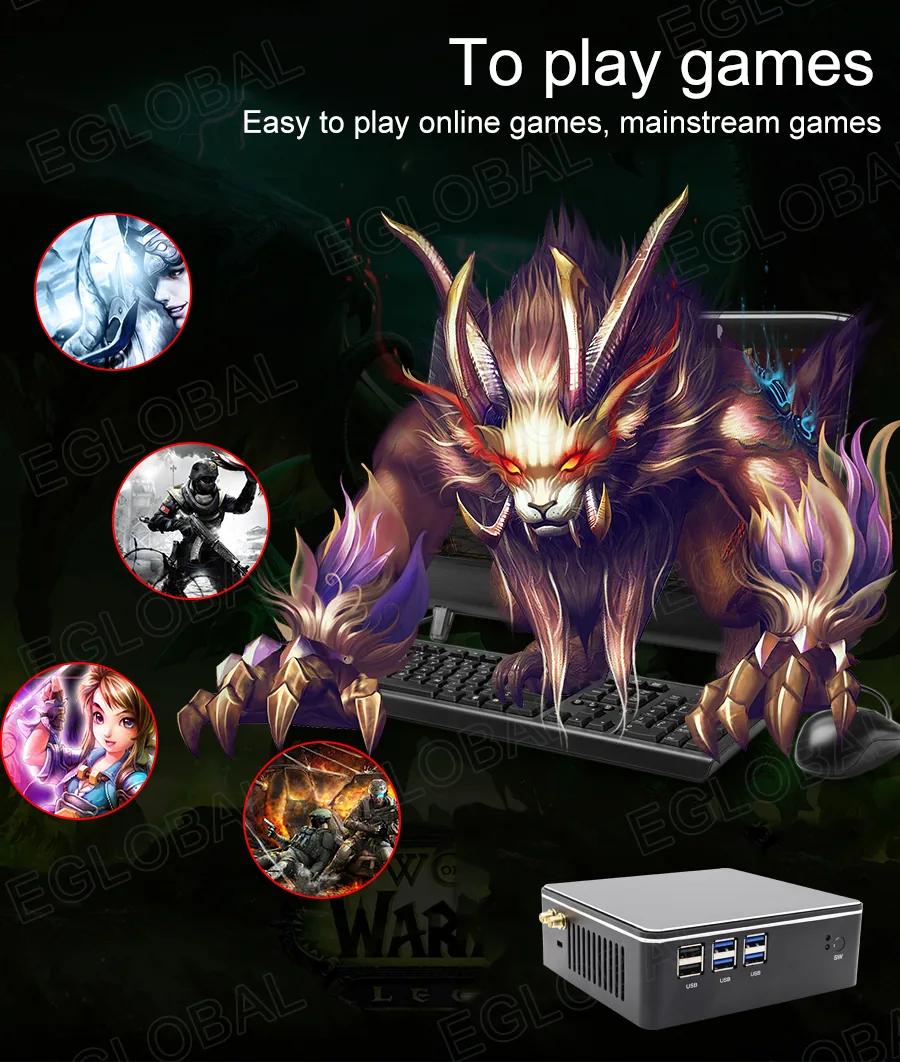
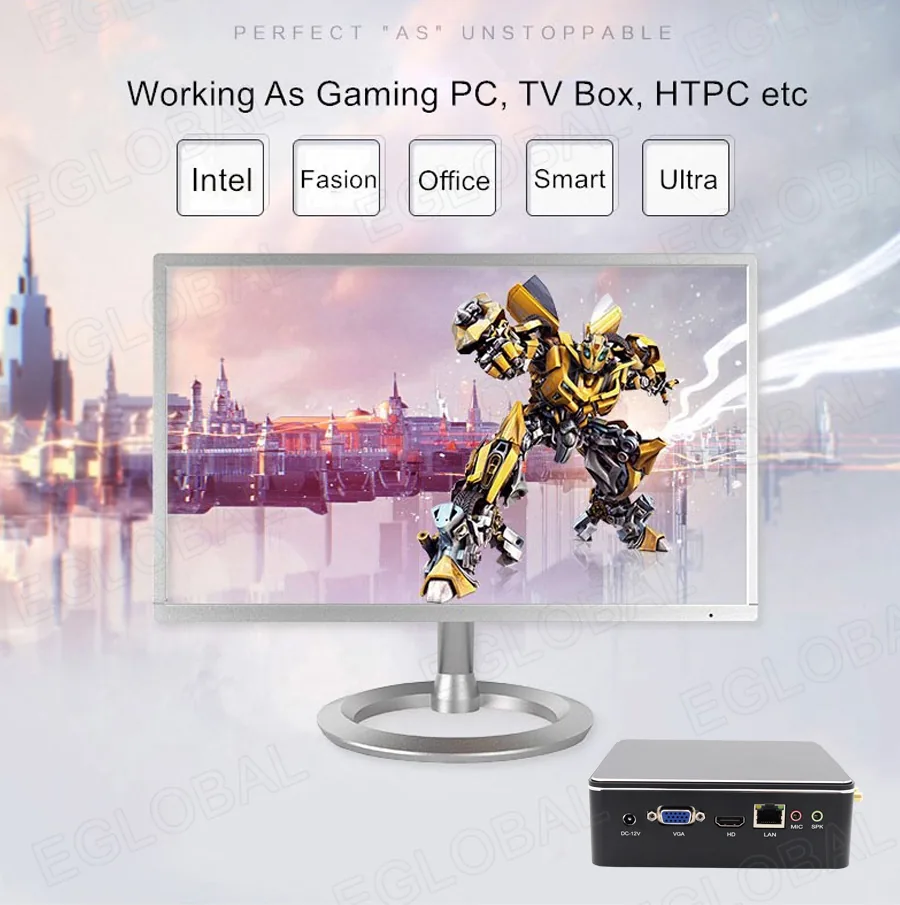
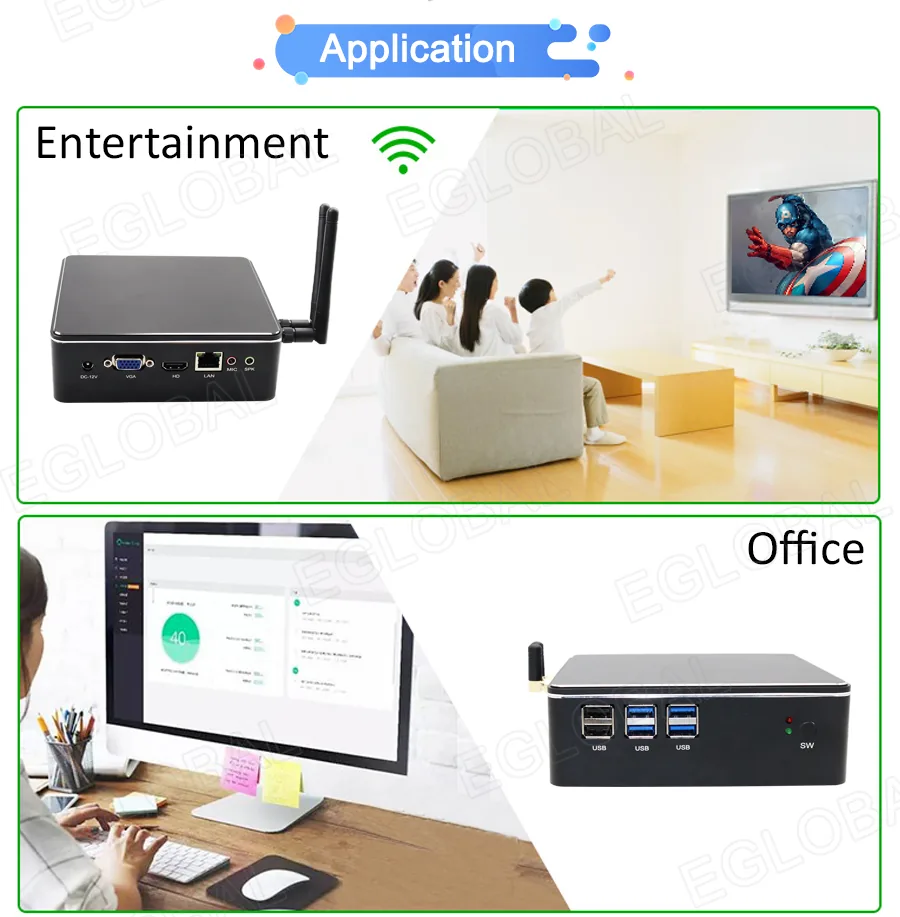
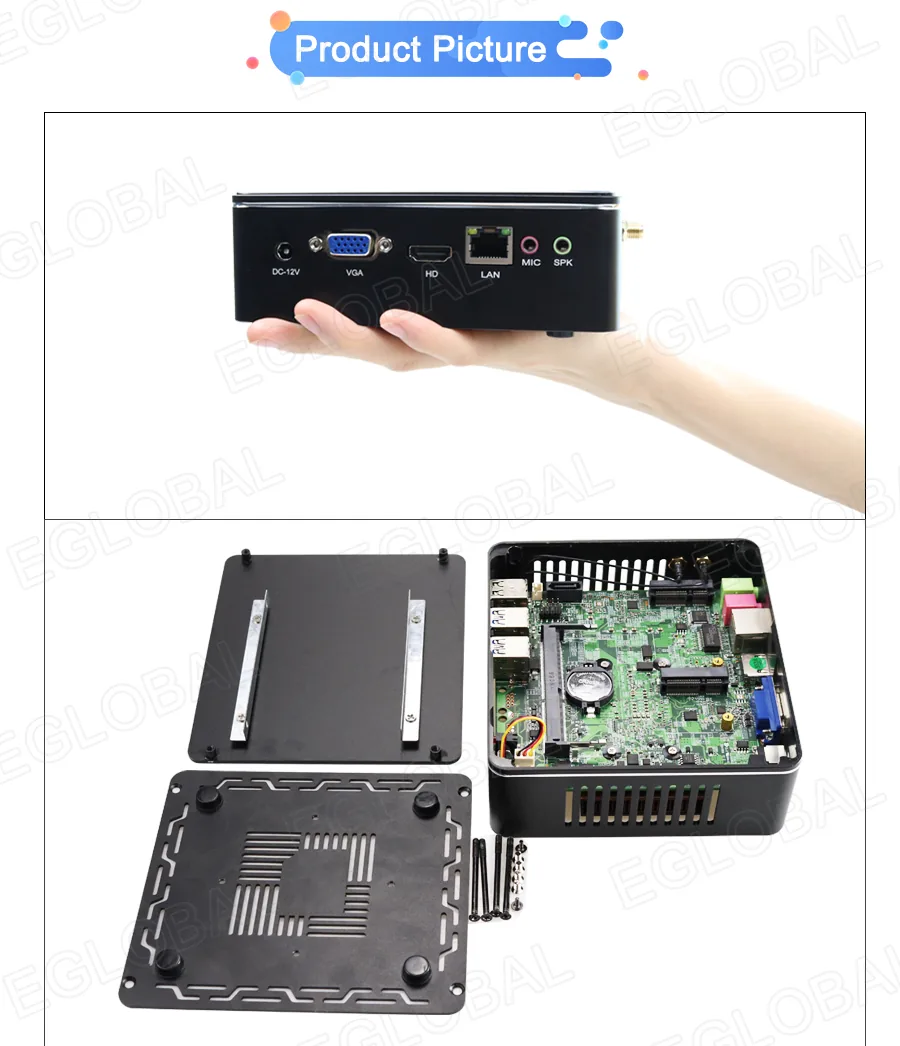
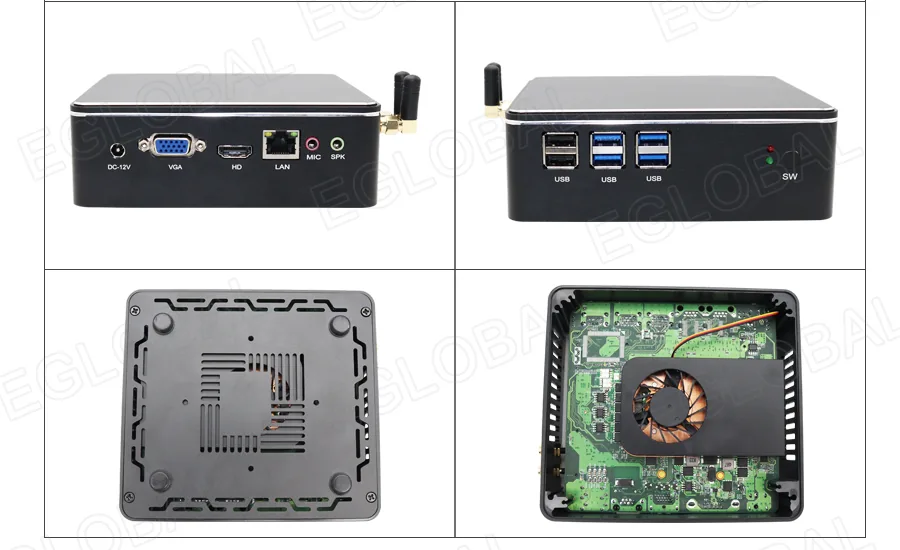
| I/O | 12V DC; 2 x USB 2.0; 4 x USB 3.0; VGA; HDMI 1.4; RJ45; MIC; SPK |
Product gallery
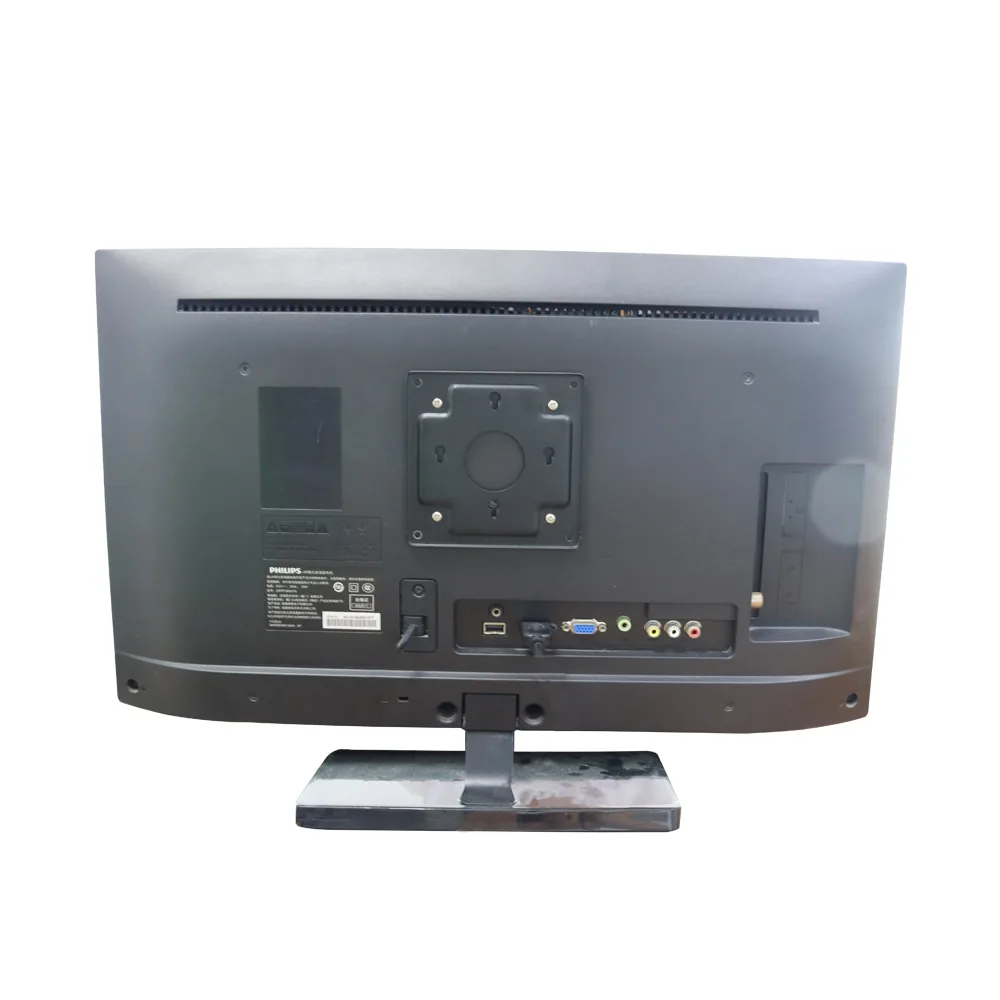
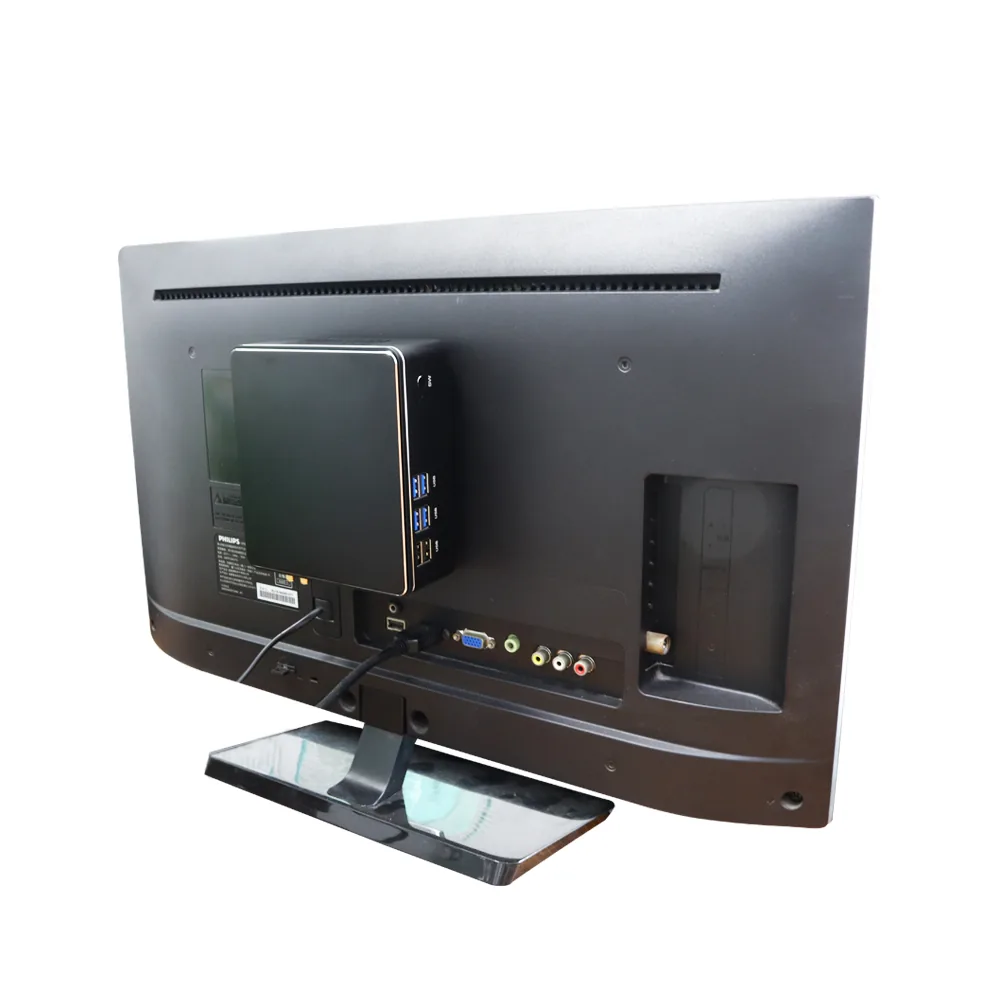
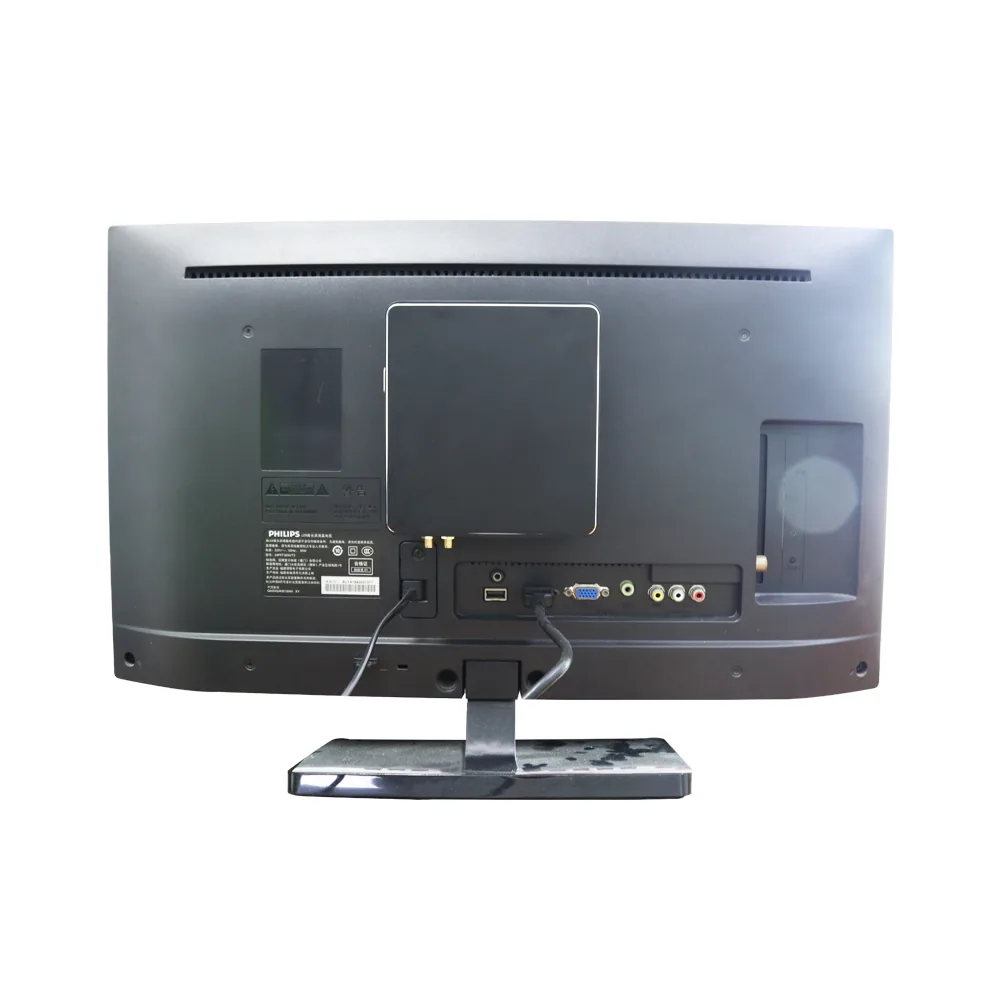
Product and interface views.
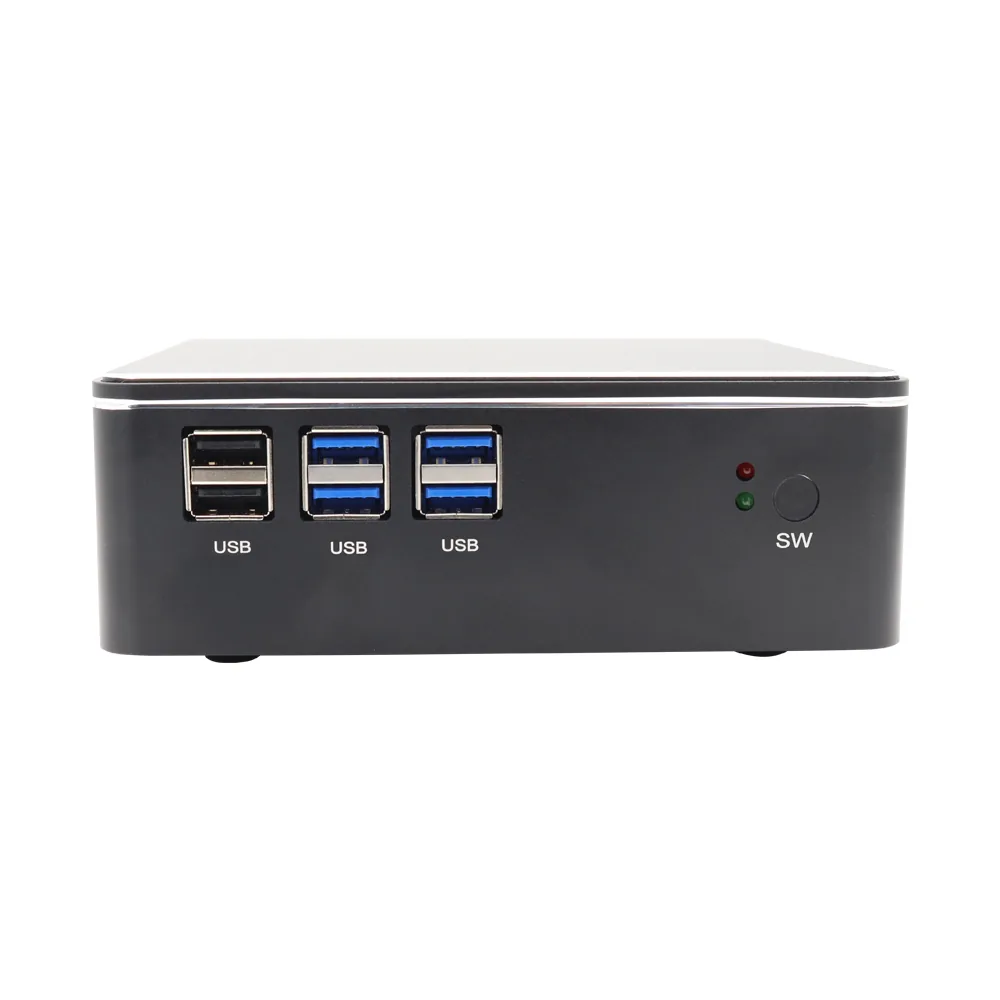
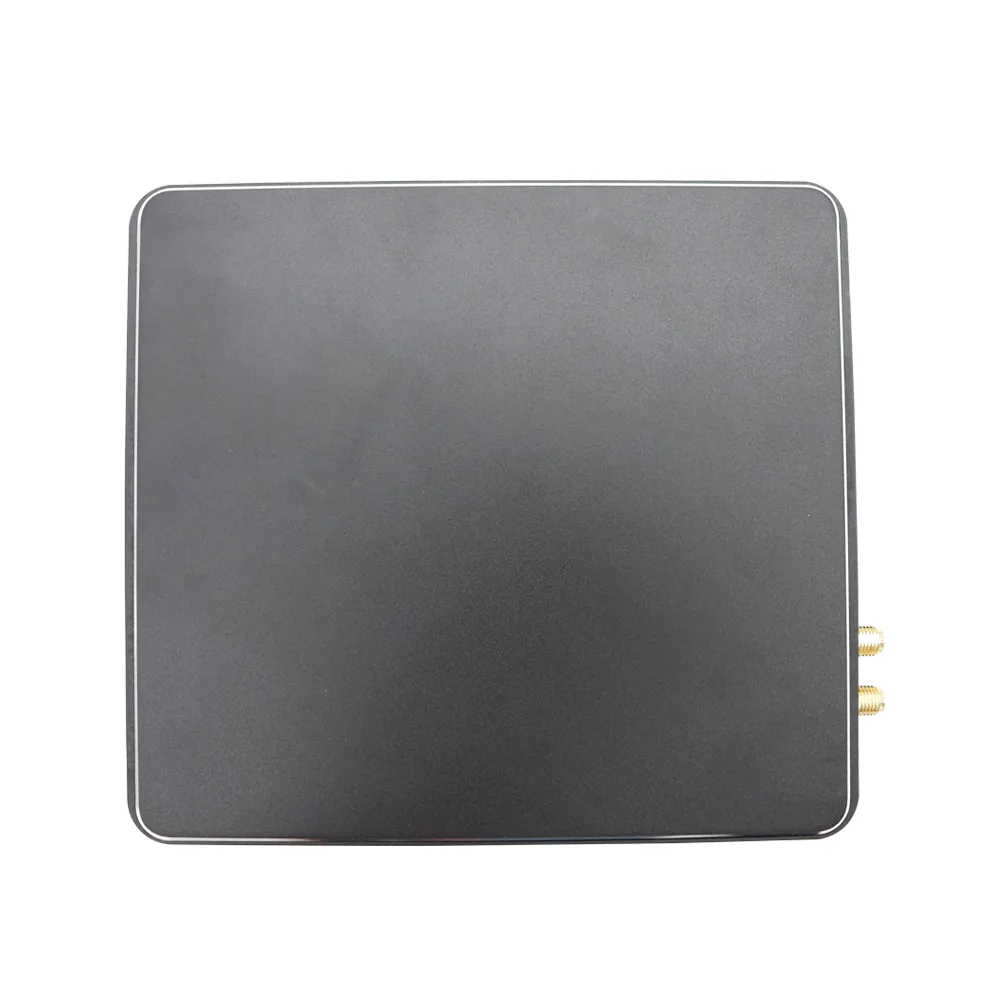
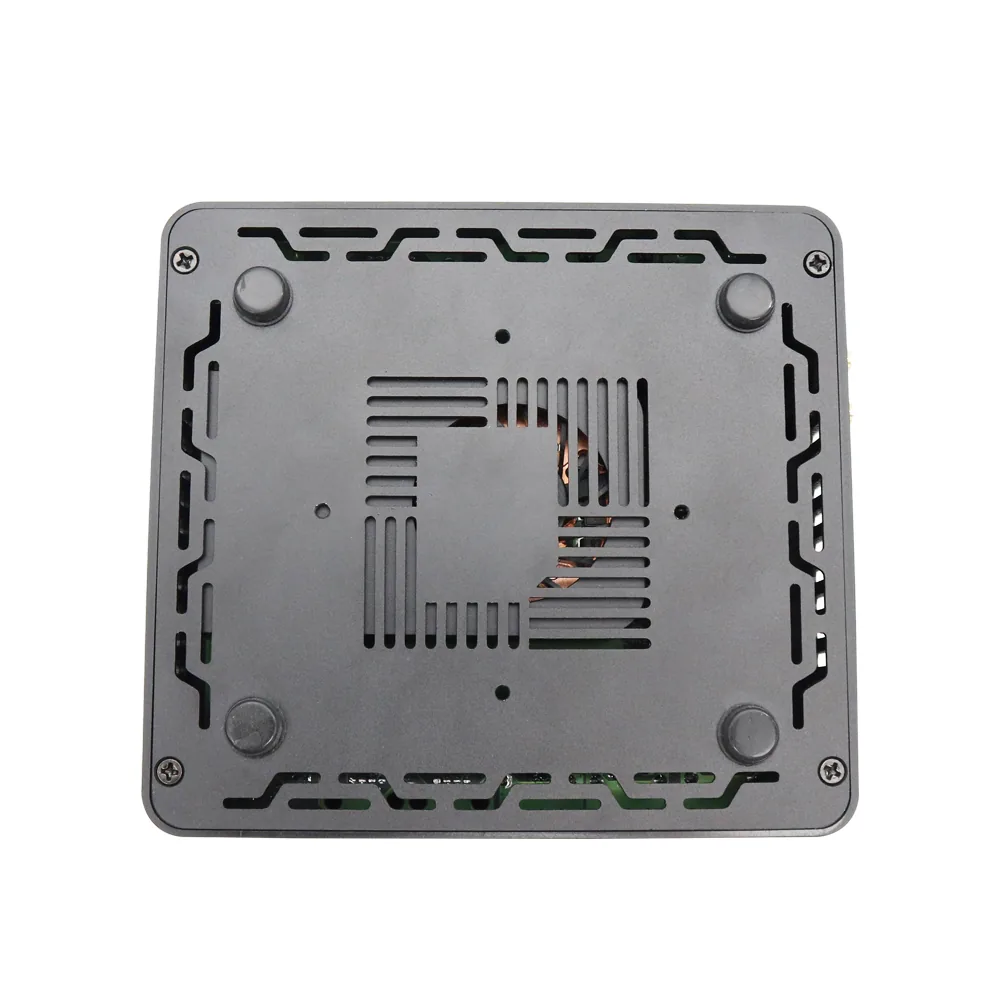
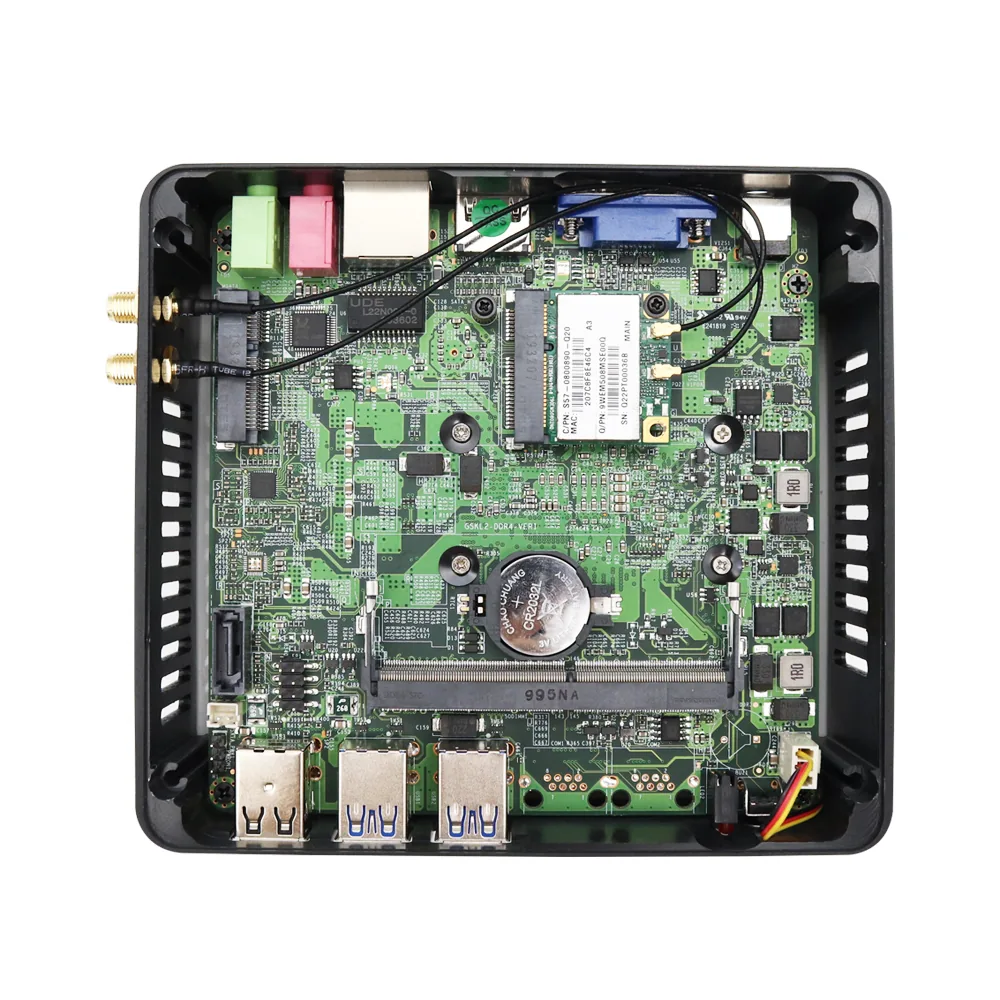
Detailed presentation
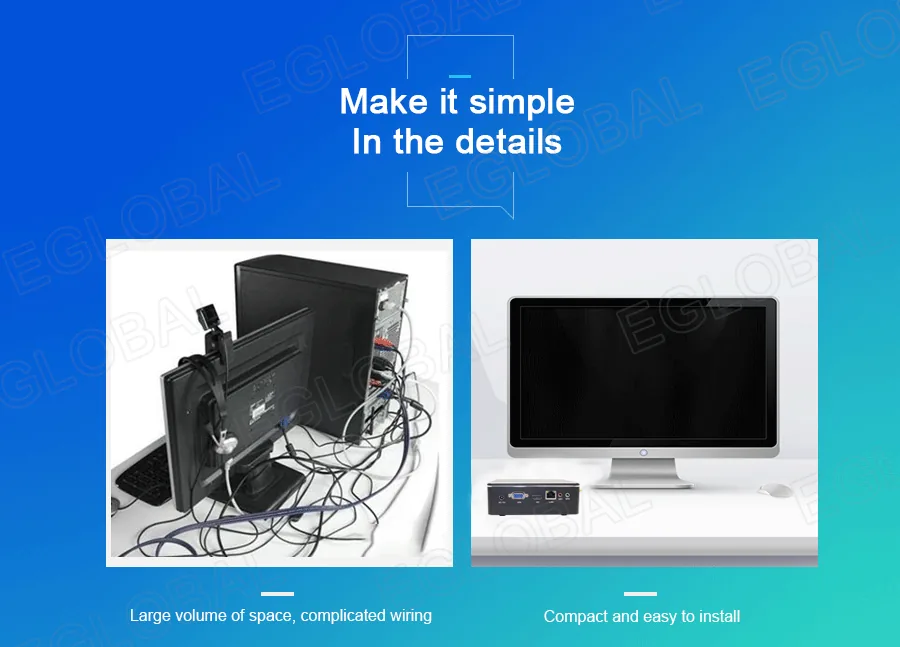
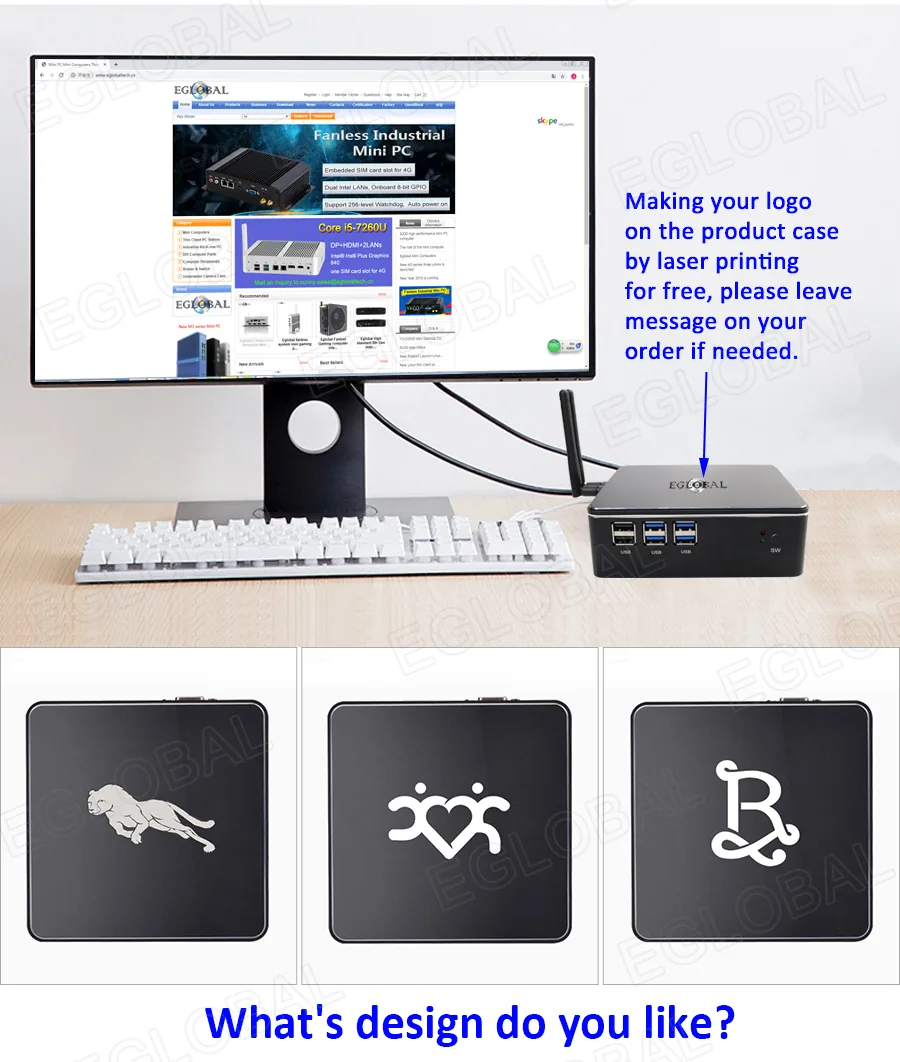
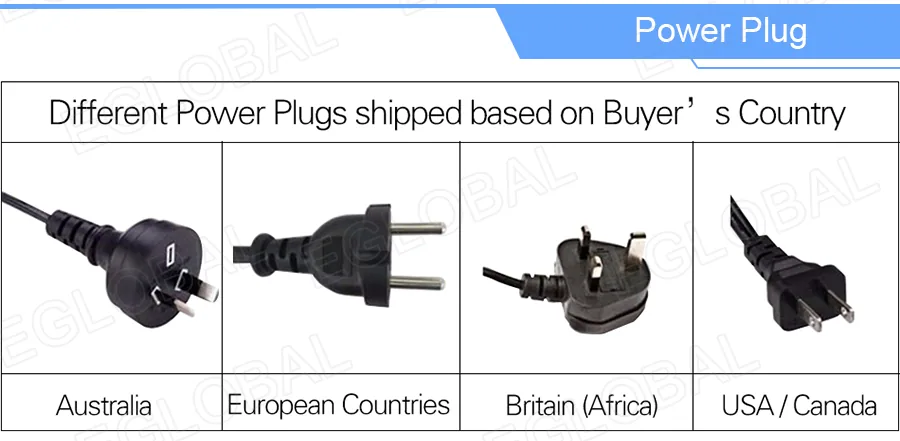
Product details and interface information.

Product video
F2 Flexible Office Mini PC overview
Applications
Typical deployment environments.
- Office computing
- Home theater
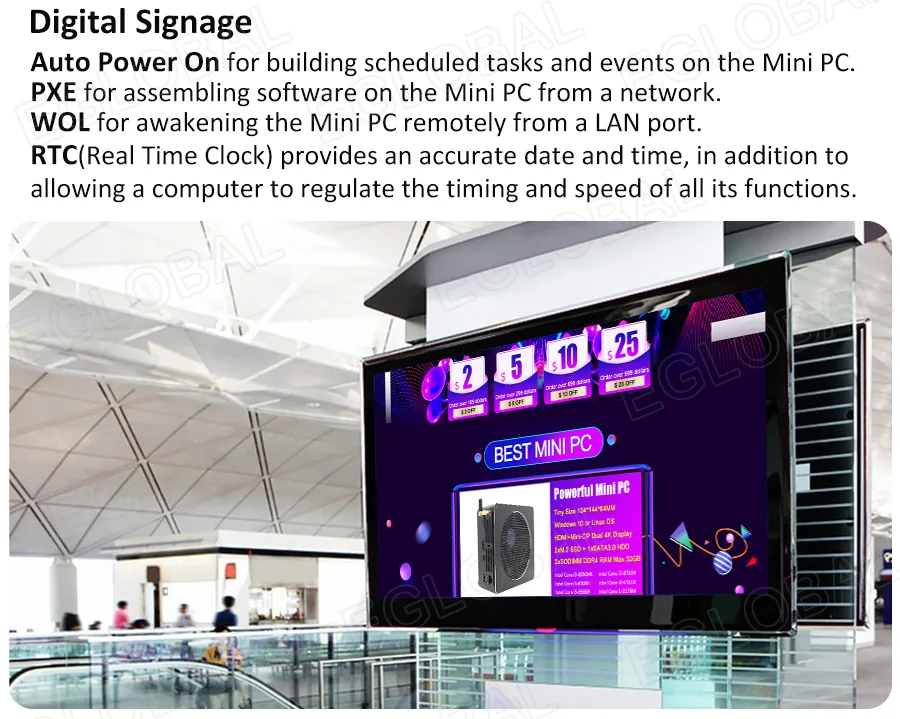
- Digital signage
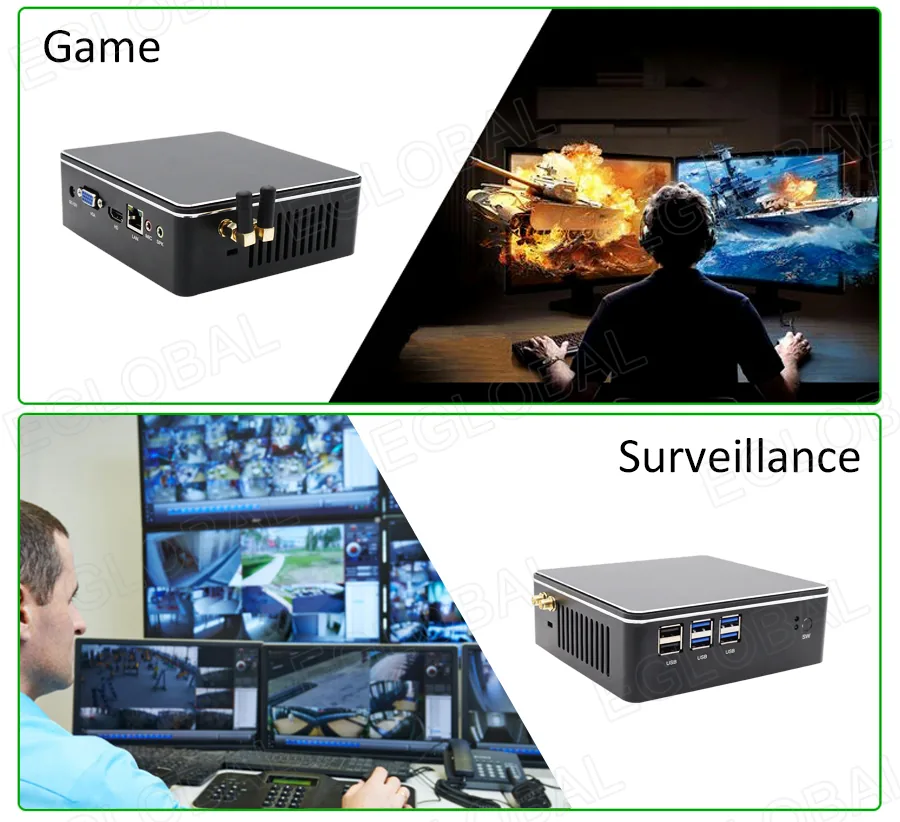
- General commercial deployment
Project inquiry
Discuss your hardware and deployment requirements.
Send the required CPU, memory, storage, network, serial-port, operating-system, and deployment quantity for a quotation.
Mini PC configuration and deployment
Configure the F2 / F2N Mini PC around the workload rather than a single model number. Consider processor performance, graphics requirements, memory capacity, storage layout, operating system, display outputs and network connectivity for the intended office, signage, monitoring or creative application.
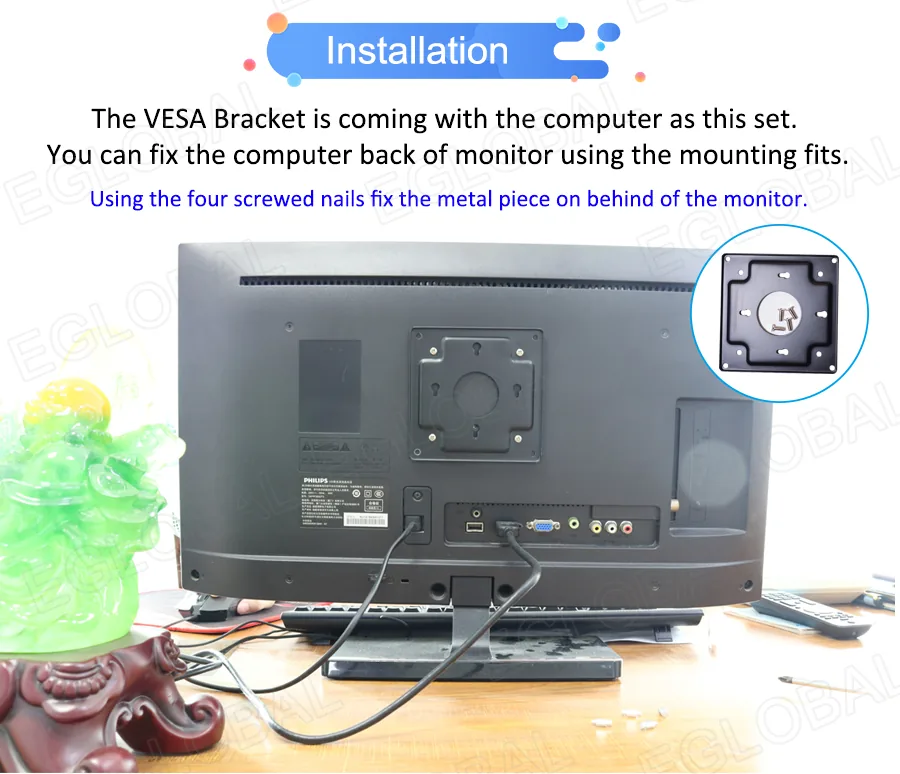
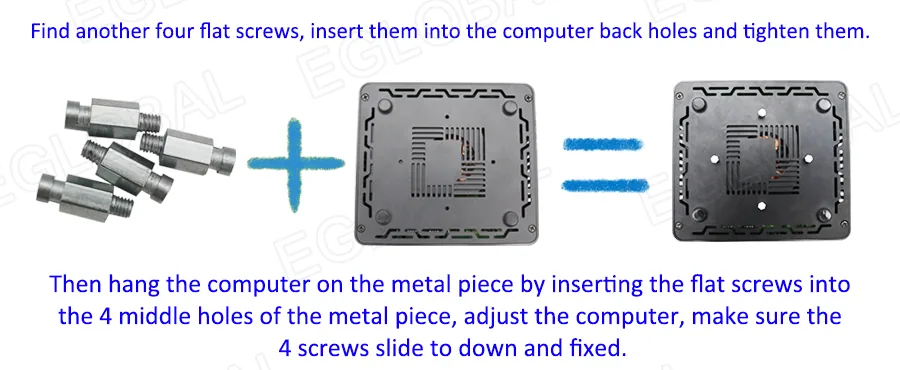
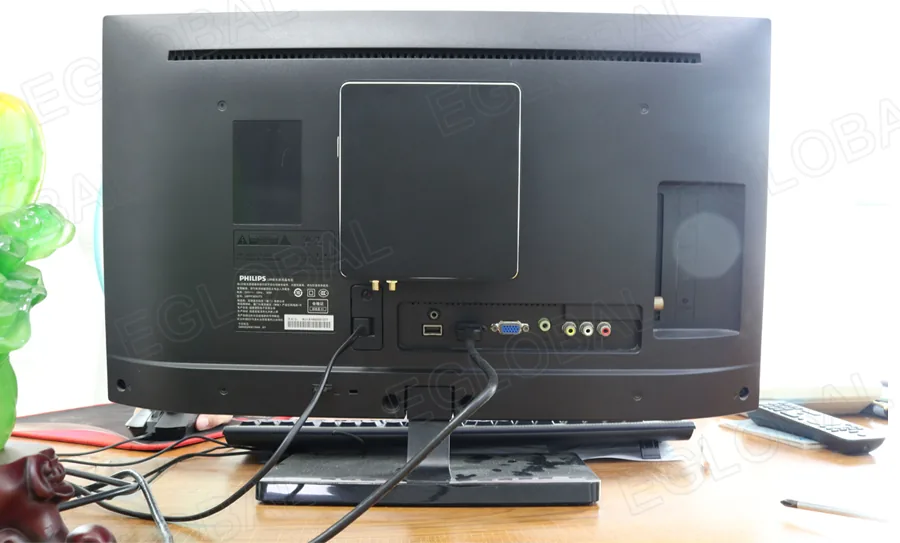
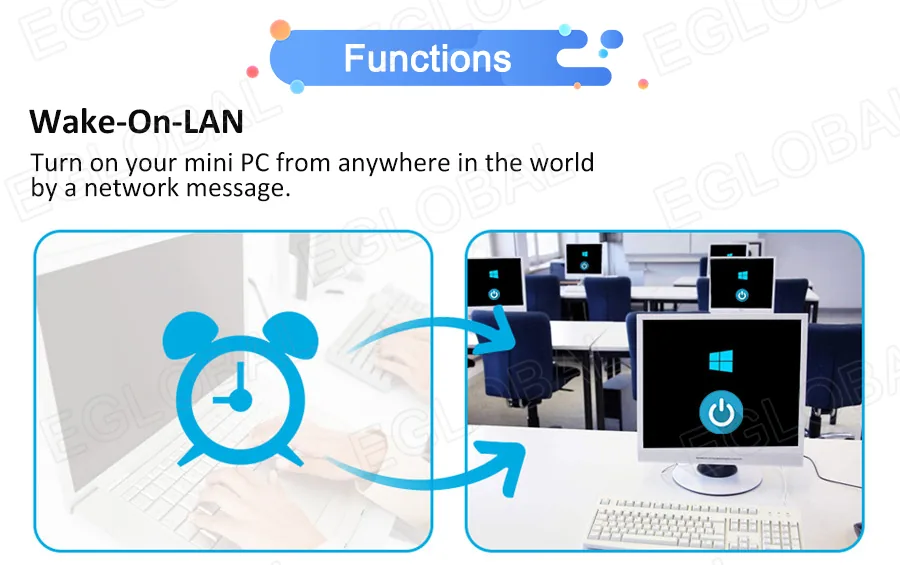
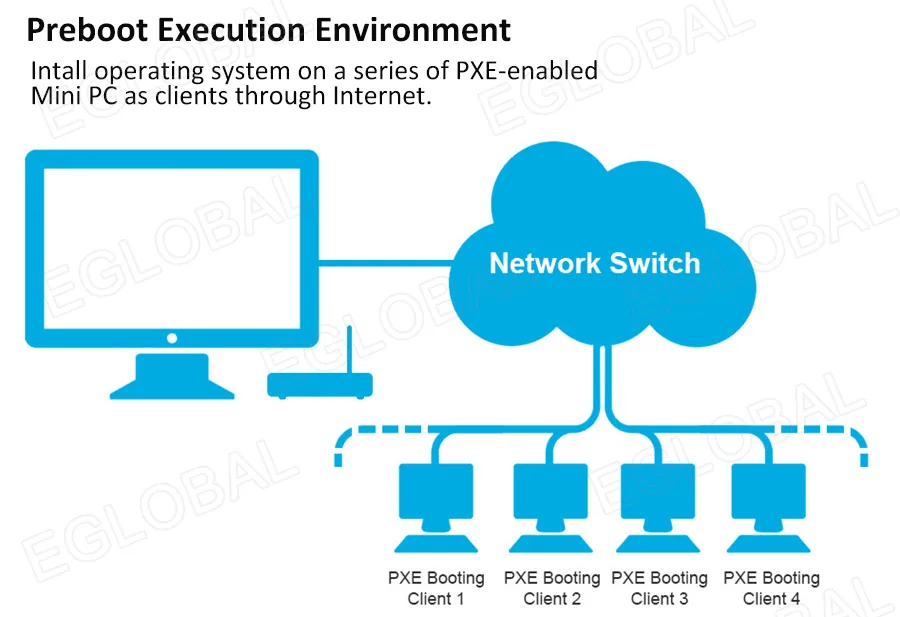
Deployment planning should also cover mounting, power, cable routing, remote management and operating conditions. If the system will run multiple displays or specialized software, confirm the supported resolution, refresh rate, interface standard and recommended memory or storage level.
For quotation, provide the application, quantity, target market, required ports, operating system and delivery schedule. Yorvix can then confirm the practical configuration, documentation and production lead time for the project.